
The best email warmup tools for 2026 are TrulyInbox, Mailivery and Warmup Inbox. TrulyInbox warms unlimited inboxes on one flat price.
If you want a free email warmup tool, TrulyInbox and Snov.io both have free plans for one inbox.
Below, we price all 15 email warm-up tools and services at 1, 10 and 50 inboxes, with reviews from real teams.
Disclaimer: We have kept this review non-biased. Every tool on this list was evaluated on the same criteria, and I have highlighted the strengths and limitations of each, including TrulyInbox.
Our top 3 picks:
- TrulyInbox scores every mailbox daily and warms it through a 50,000+ real-account network, with unlimited mailboxes from $22 a month (annual).
- Mailivery is the closest rival on value: unlimited mailboxes from $21.75 a month (annual), plus blacklist monitoring.
- Warmup Inbox is the most straightforward. It warms any provider for $15 per inbox a month (annual).
New to the topic? Here is what email warm-up actually does.
Quick Comparison of the 15 Best Email Warmup Tools
| Tool | Best for | Starting price | Mailboxes | Network | Cost at 10 inboxes |
|---|---|---|---|---|---|
| TrulyInbox | Many inboxes on one flat price | $22/mo annual Forever free, 1 account | Unlimited | 50,000+ real accounts | $84 |
| Mailivery | Cheapest flat rate at 10 to 50 inboxes | $21.75/mo annual 7-day trial, no free plan | Unlimited | Not published | $59.25 |
| Warmup Inbox | One inbox on any provider | $15/inbox/mo annual Freemium, 15 emails/week | Per inbox | 30,000+ real inboxes | $125 |
| MailReach | Warm-up plus spam testing | $20/inbox/mo annual No free plan | Per inbox | 30,000+ accounts | $156 |
| Warmy.io | Per-client placement data | From $49/mo 7-day trial, no free plan | Volume-based | 1M+ claimed (300K+ by FAQ) | $1110 |
| Warmforge | Google and Microsoft on a budget | $9/slot/mo annual 1 free slot | Per slot | Not published (“millions”) | $90 |
| Lemwarm | lemlist users | $24/inbox/mo annual Free with paid lemlist | Per inbox | 20,000+ domains | $240 |
| Warmbox | 1 to 6 inboxes on any provider | $15/mo annual No free plan | Up to 6 | 35,000+ inboxes | Custom |
| Snov.io | Warm-up inside a sales suite | $29.25/mo annual Free plan, 1 slot | 3, then unlimited | 35,000 accounts | $74.25 |
| Mailwarm | Warm-up with an expert on call | $69/mo annual No free plan | 1 to 10 | 50,000+ aged inboxes | $479 |
| Folderly | Diagnosing spam placement | $96/inbox/mo yearly No free plan | Per mailbox | Not published | $720 |
| InboxAlly | Repairing a damaged domain | $149/mo 10-day trial, no free plan | Per sender profile | Not published | $1,190 |
| Allegrow | Bounce prevention plus warm-up | $99/mo 14-day trial, no mailbox | 1, plus $40 each | B2B inboxes, no number | $459 |
| Instantly | Outreach plus warm-up | $37.60/mo annual 14-day trial, no free plan | Unlimited | 1,000,000+ accounts | $37.6 |
| Smartlead | Outreach plus warm-up | $32.50/mo annual 14-day trial, no free plan | Unlimited | Not published | $32.50 |
Pricing verified 21 October 2026, re-checked quarterly. Six of the 15 do not publish a warm-up network size. To size your setup, work out how many inboxes you need.
What Email Warm-Up Services Cost at 1, 10 and 50 Inboxes
Most tools charge per inbox, while four charge one flat price for unlimited inboxes. So the headline price tells you little. Here is what each email warm up tool costs at your mailbox count.
For the flat-rate tools, we picked the cheapest plan that gives each inbox roughly 40 to 100 warm-up emails a day.
| Tool | 1 inbox | 10 inboxes | 50 inboxes | Pricing model |
|---|---|---|---|---|
| TrulyInbox | $22 200 emails/day Replies up to 25% | $84 1,000/day shared (100 per inbox) Replies up to 45% | $169 3,000/day shared (60 per inbox) Replies up to 60% | Flat, by shared warm-up volume |
| Mailivery | $21.75 100/day (Starter’s per-inbox cap) Replies up to 30% | $59.25 600 to 800/day shared (60 to 80 per inbox) Replies up to 55% | $149.25 2,000 to 2,500/day shared (40 to 50 per inbox) Replies up to 55% | Flat, by shared warm-up volume. Its pricing page shows two volumes per plan |
| Warmup Inbox | $15 75 emails/day Replies up to 25% | $125 75/day per inbox Replies up to 25% | $375 75/day per inbox Replies up to 25% | Per inbox, cheaper as you add more (Basic plan) |
| MailReach | $20 Up to 100 emails/day | $156 Up to 100/day per inbox | $720 Up to 100/day per inbox | Per inbox, cheaper as you add more. Reply rate not published |
| Warmy.io | From $49 | $1110 | $4750 | Volume-based quote. Volume and reply rate not published |
| Warmforge | $9 | $90 | $300 | Per slot, Google and Microsoft only. Volume and reply rate not published |
| Lemwarm | $24 | $240 | $1,200 | Per inbox. Volume and reply rate not published |
| Warmbox | $15 50 emails/day | Custom | Custom | Per plan, 6 inboxes maximum listed. Reply rate not published |
| Snov.io | $29.25 50 emails/day | $74.25 100/day per inbox | $74.25 100/day per inbox | Bundled with a sales suite. Reply rate not published |
| Mailwarm | $69 Up to 50 emails/day Up to 50 replies | $479 Up to 500/day shared (50 per inbox) | Custom | Per mailbox tier. Reply cap published for Starter only |
| Folderly | $96 | $720 | $2,800 | Per mailbox, yearly, minimum commitment. Volume and reply rate not published |
| InboxAlly | $149 100 seed emails/day on your real sends | $1,190 1,000 seed emails/day | Custom | Per sender profile, monthly only. Seeds engage your live campaigns |
| Allegrow | $99 | $459 | Custom | Verification plan plus $40 per mailbox. Volume and reply rate not published |
| Instantly | $37.60 Unlimited warm-up | $37.60 Unlimited warm-up | $37.60 Unlimited warm-up | Bundled with outreach. Daily cap and reply rate not published |
| Smartlead | $32.50 Unlimited warm-up | $32.50 Unlimited warm-up | $32.50 Unlimited warm-up | Bundled with outreach. You set the caps and reply rates |
Monthly cost on annual billing. InboxAlly and Allegrow publish monthly prices only. Under each price: the warm-up emails a day, and the highest share of them that get a reply. “Shared” means one daily volume split across all your inboxes. Pricing verified 21 October 2026.
TrulyInbox gives each inbox more volume, though: 100 warm-up emails a day at 10 inboxes against Mailivery’s 60 to 80. At 50 inboxes it is 60 a day against 40 to 50, with replies on up to 60% of them against Mailivery’s 55%.
Curious what warm-up is worth at your volume? Want this as a one-page cost comparison you can forward? Get the 1, 10 and 50 inbox cost sheet.
15 Best Email Warm-Up Tools, Reviewed in Depth
- TrulyInbox
- Mailivery
- Warmup Inbox
- MailReach
- Warmy.io
- Warmforge
- Lemwarm
- Warmbox
- Snov.io
- Mailwarm
- Folderly
- InboxAlly
- Allegrow
- Instantly
- Smartlead
1. TrulyInbox
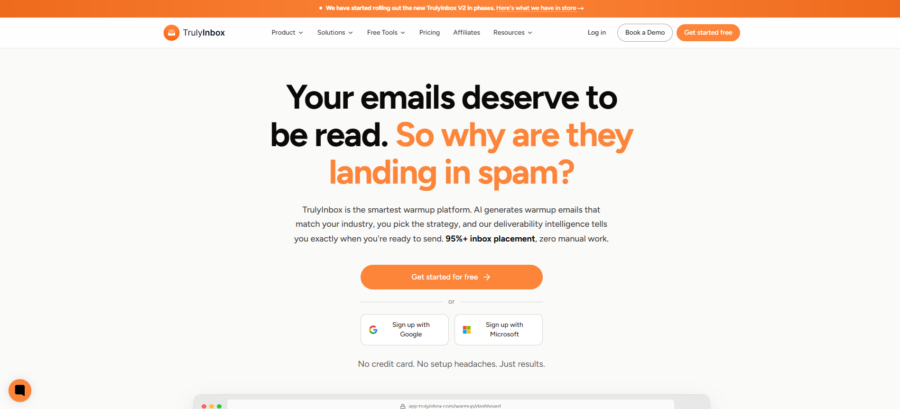
TrulyInbox is an email warmup and deliverability platform built for cold outreach teams and agencies. Each mailbox gets a daily reputation and deliverability score and warms through a network of 50,000+ real accounts.
It covers Google Workspace, Microsoft 365 and any other provider. You pay for warm-up volume, so every paid plan connects unlimited mailboxes.
Key Email Warm-Up Features
- One automated strategy, set a daily max per mailbox, and the pace follows that mailbox’s own results
- Optional controls for sending hours, reply rate, the Gmail and Outlook mix, and your own templates
- AI-written, human-like warm-up emails that get rescued from spam, starred and replied to
- A 50,000+ real-account network split into reputation pools, so a new mailbox never warms against a proven one
- A daily Reputation Score per mailbox, from Critical to Excellent, and a “Ready for outreach” flag after 15 days at 90%+ with clean DNS
- SPF, DKIM, DMARC and MX checks, with a one-click re-check after you fix a record
- 44 domain and 38 IP blacklists monitored, plus a Gmail, Outlook and other-provider placement split
- A workspace per client, each with its own warm-up budget, user roles and audit log
- Warm-up keeps running alongside your live campaigns
Pros
- Unlimited mailboxes on every paid plan, so cost follows volume, not inbox count
- A forever-free plan with no card, plus a 7-day trial and a 14-day money-back window on paid plans
- Connects Google and Microsoft by sign-in, and any other provider by app password or SMTP
- Bulk import from a directory or CSV when you onboard a client’s inboxes
- Agency workspaces keep each client’s budget, users and logs apart
Cons
- The free plan is 1 mailbox at 10 warm-up emails a day: a demo, not a warm-up
- Custom sending schedules start on Growth ($84 a month, annual)
- Shared volume means each inbox gets less as you add more
- Mailivery costs less at 10 and 50 inboxes
Pricing
- Free: $0, 1 account, 10 warm-up emails a day, no card
- Starter: $22 a month annual ($29 monthly), 200 a day, suited to 3 inboxes
- Growth: $84 ($99), 1,000 a day, suited to 15 inboxes
- Scale: $169 ($199), 3,000 a day, suited to 50 inboxes
- Scale Plus: $407 ($479), 5,000 a day, suited to 100 inboxes, with a dedicated account manager
- Scale Plus also comes in 10,000 and 20,000 a day, and Custom volumes are quoted on request
Every paid plan connects unlimited accounts and starts with a 7-day trial, no card. See full pricing.
What Users Say
TrulyInbox is rated 4.3/5 on G2 and 4.3/5 on Trustpilot.
On G2 and Trustpilot:
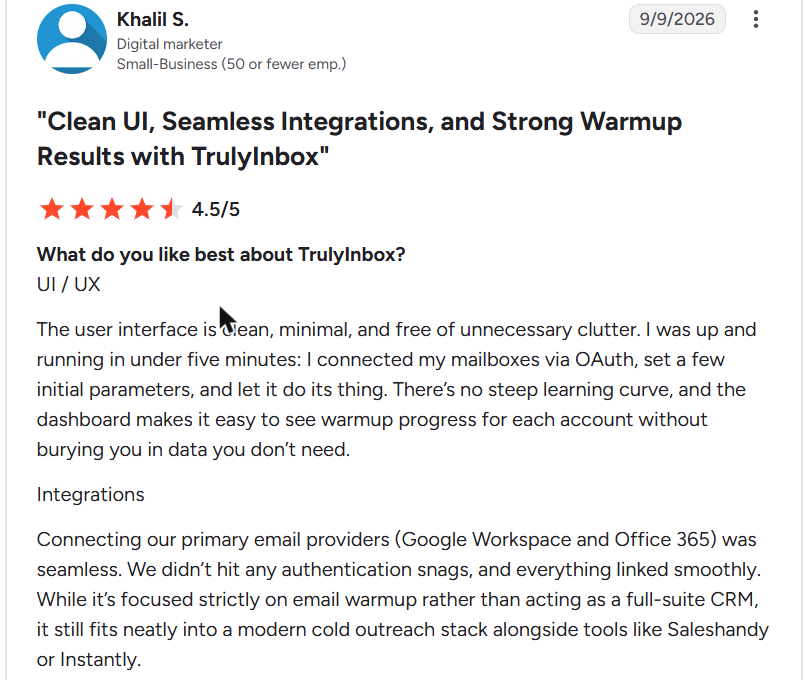
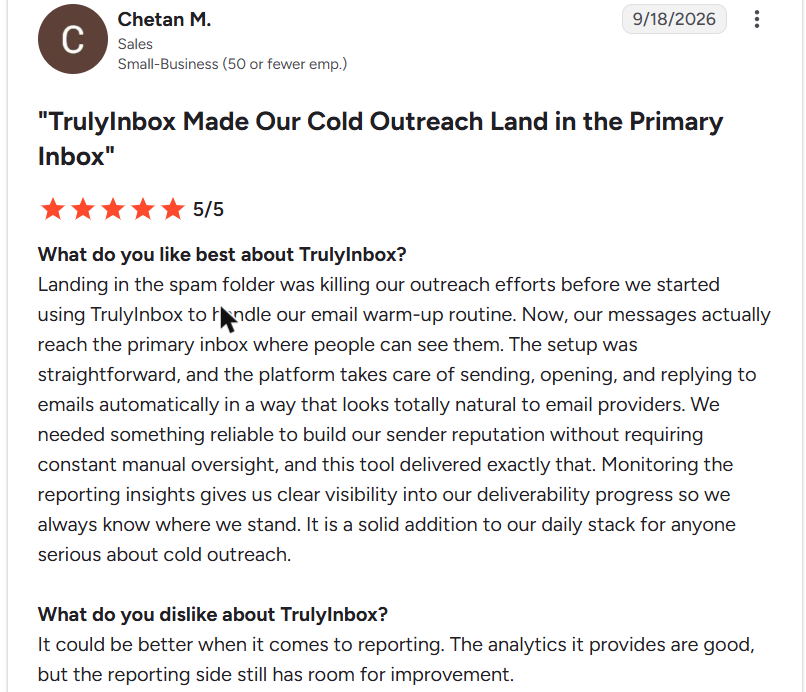
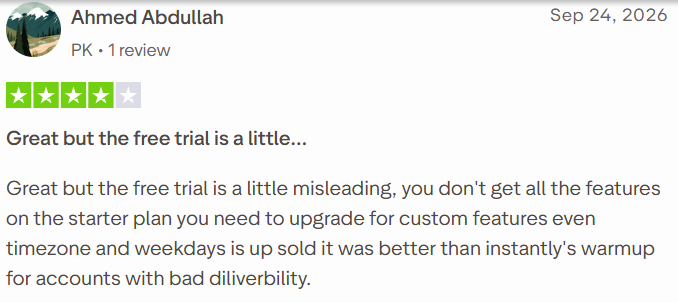
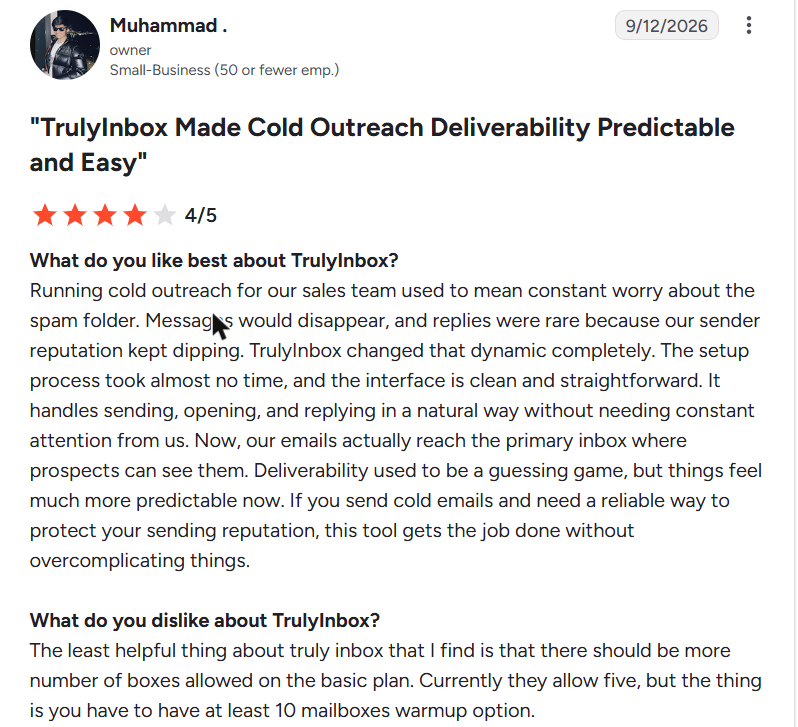
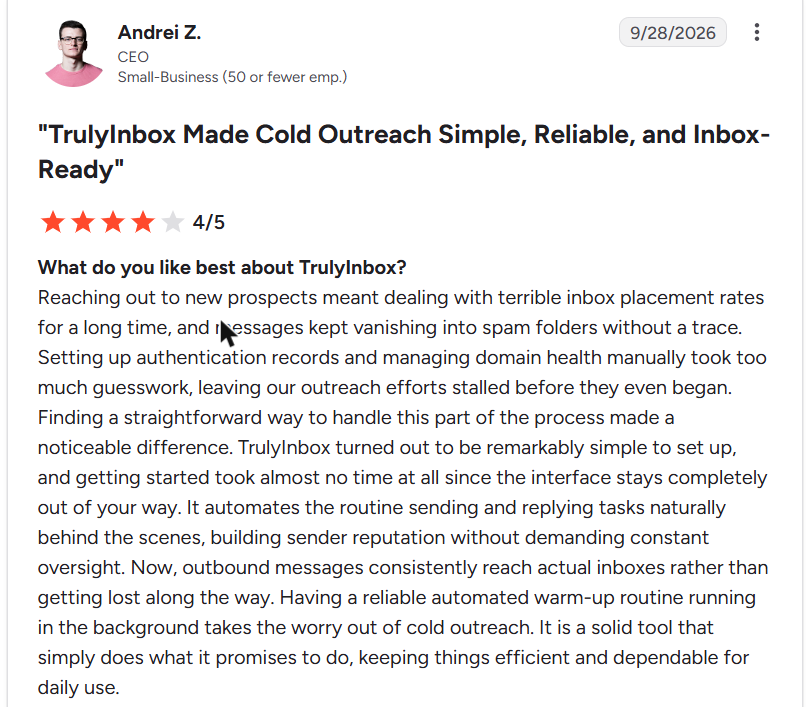
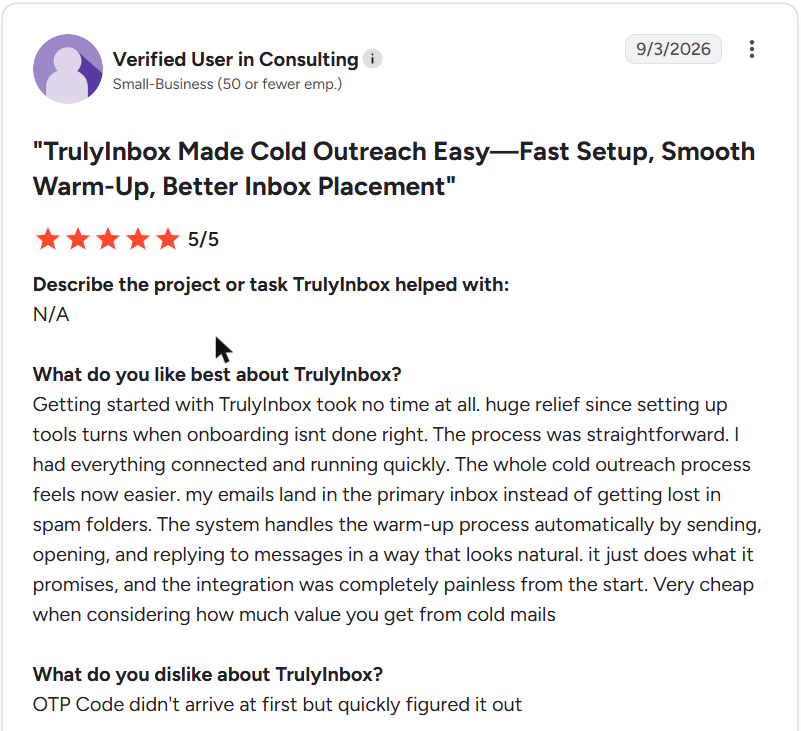
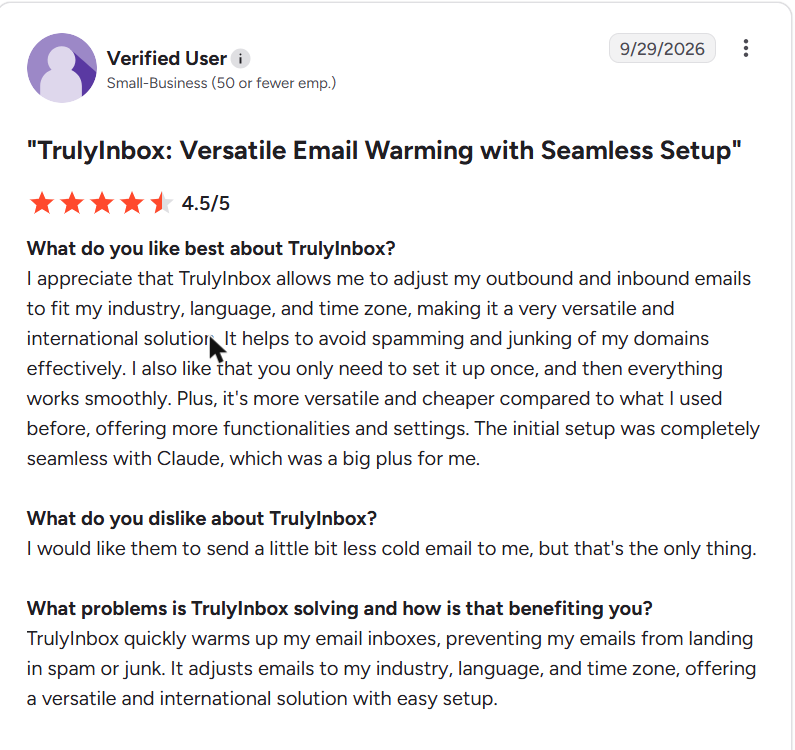
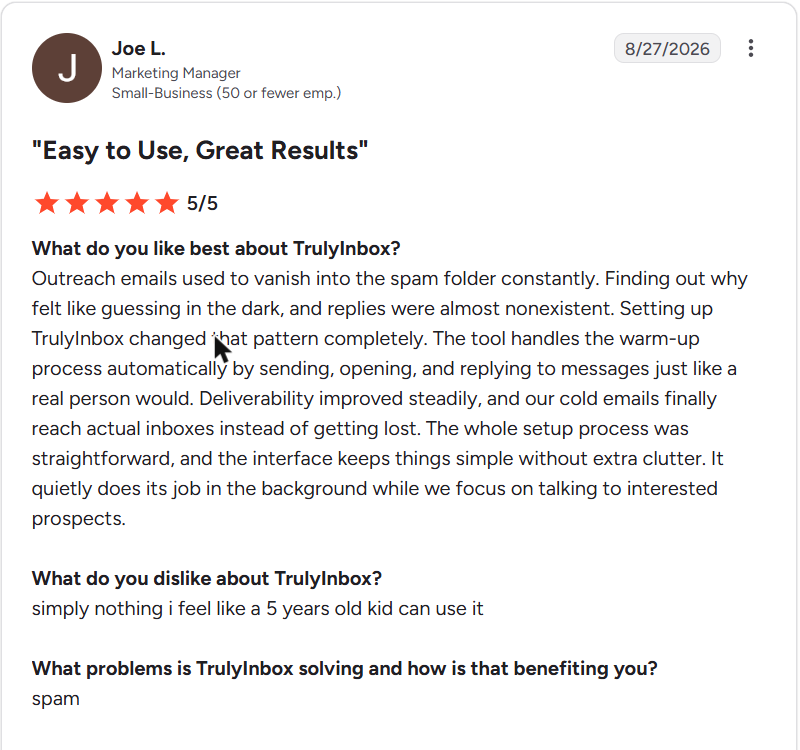
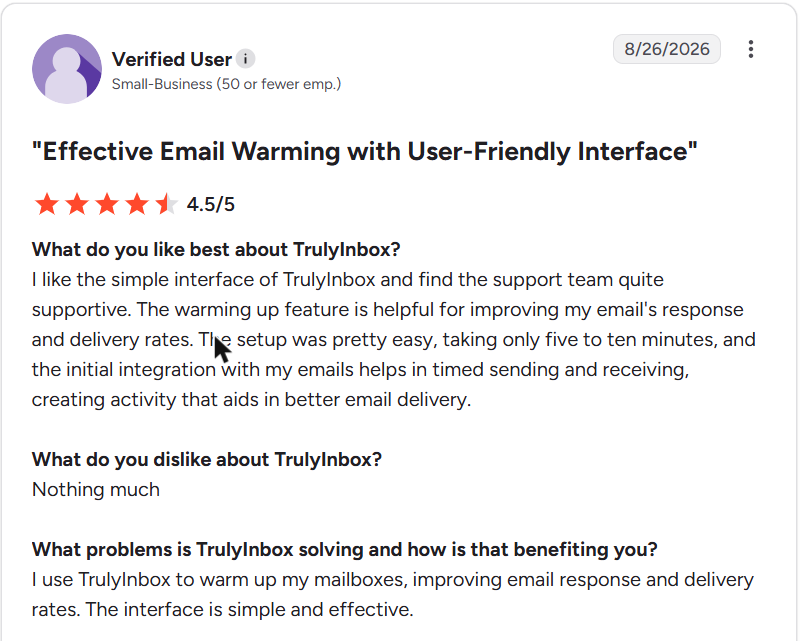
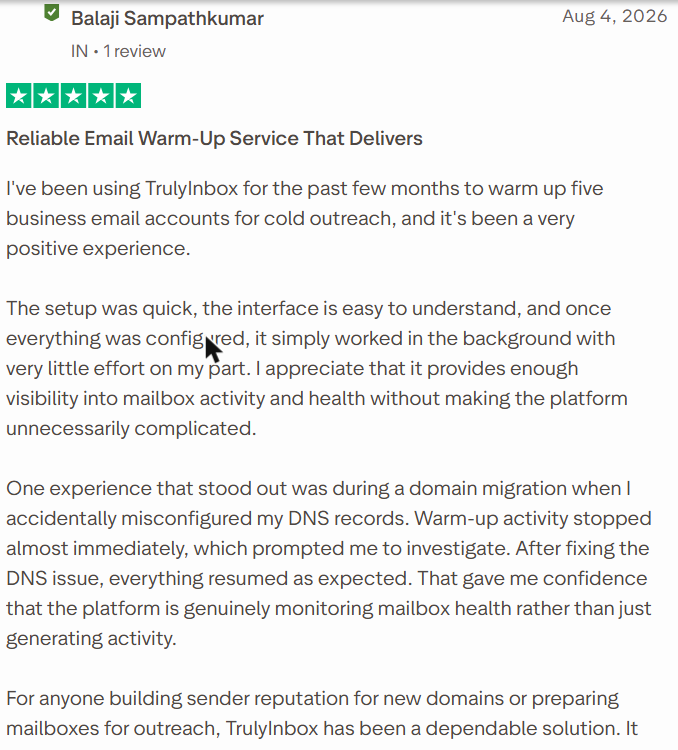
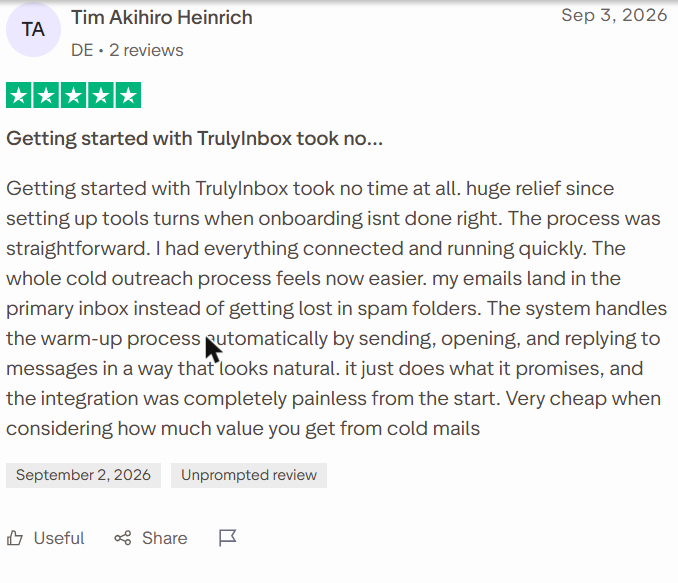
Select a review to read it in full on G2 or Trustpilot.
On Reddit:
- “Warmed up all the inboxes in TrulyInbox for 14 days” (u/Rude_Cupcake_425, r/Coldemailing, Oct 2026)
- “I ran 10 mailboxes / 3 domains on TrulyInbox for 7 weeks and still keep it on” (u/VivianOliveres, r/Coldemailing, Aug 2026)
- “the same week TrulyInbox scored my Microsoft reputation (at 83/100), a live seed test put 25 of 25 seeds in Junk” (u/VivianOliveres, r/Coldemailing, Aug 2026).
A warm-up score is not a placement result, so test real sends too.
Best For
- Outreach teams and agencies warming 10 or more inboxes on one flat price
- Mixed setups across Google Workspace, Microsoft 365, Zoho, Yahoo or SMTP
- Agencies that need a separate workspace and warm-up budget per client
- Anyone who wants to try warm-up on one inbox for free
Our Verdict
Pick TrulyInbox if you run many inboxes: volume pricing, daily scores and DNS checks cover the whole job in one place. It costs $84 at 10 inboxes and $169 at 50 (annual), more than Mailivery, but with a free plan and a published network.
Each inbox gets less volume as you add more, so size your plan by daily emails, not mailbox count. With one or two Google inboxes, Warmforge can cost less, so compare before you commit.
2. Mailivery
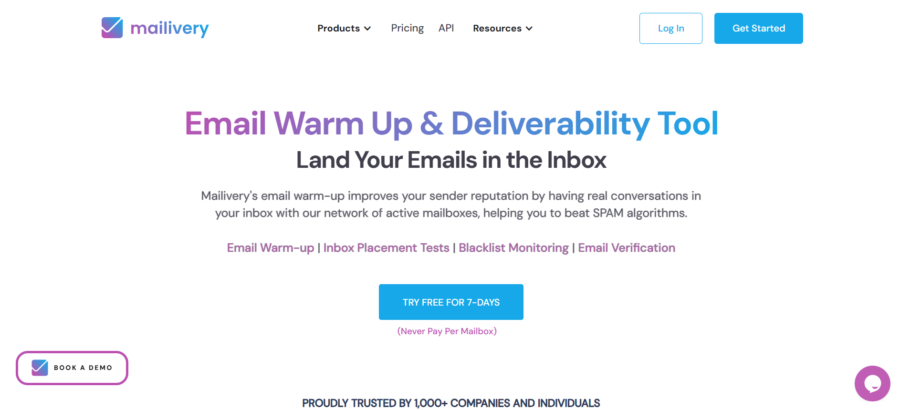
Mailivery is a flat-rate email warmup service from SourceIT Technologies. You connect unlimited mailboxes and share one daily warm-up limit. It does not publish its network size.
Key Email Warm-Up Features
- Peer-to-peer warm-up between Mailivery customers
- Custom warm-up templates, real email text and AI-written content
- Automatic reading of warm-up emails, and moving them out of spam
- Advanced settings for weekend sending, time zones, custom signatures and unique email identifiers
- Inbox placement tests across Google, Microsoft, Yahoo and more, with 10 to 100 credits by plan
- Blacklist monitoring for domains and IPs, plus a spam words checker
- Email verification credits, and a REST API that can start or pause warm-up and pull health scores
- A cap of 250 warm-up emails a day per inbox
Pros
- Unlimited mailboxes from $21.75 a month (annual)
- The cheapest standalone flat-rate plan here at 10 and 50 inboxes
- Placement tests, blacklist monitoring and verification come in the same plan
- A full REST API with webhooks, useful for agencies and SaaS platforms
Cons
- No published network size
- No free plan, only a 7-day trial, and the pricing page doesn’t say whether it needs a card
- The pricing page lists two daily volumes per plan: 200, 800 and 2,500, or 100, 600 and 2,000
- Named connections are Gmail, Google Workspace, Microsoft 365 and SMTP, so Zoho and Yahoo go through SMTP
Pricing
- Starter: $21.75 a month annual ($29 monthly)
- Professional: $59.25 ($79)
- Business: $149.25 ($199)
Every plan connects unlimited mailboxes, which share one daily warm-up volume. A 7-day free trial comes before you pay.
What Users Say
On Reddit:
- “Using Mailivery at a very low volume – landing in ‘Other'” (u/GhostHours, r/emaildeliverability, Aug 2026)
- “At 6 to 10 warmup a day your domain isn’t getting burned.” (u/msham01, r/emaildeliverability, Aug 2026). The reply came from one of Mailivery’s founders, who offered to help in the thread.
On G2 and Trustpilot:
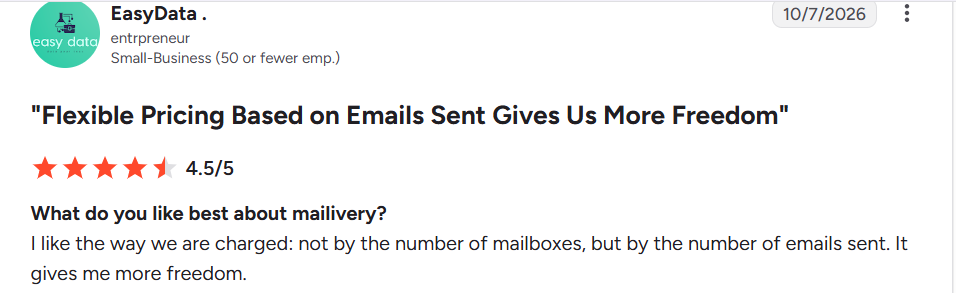
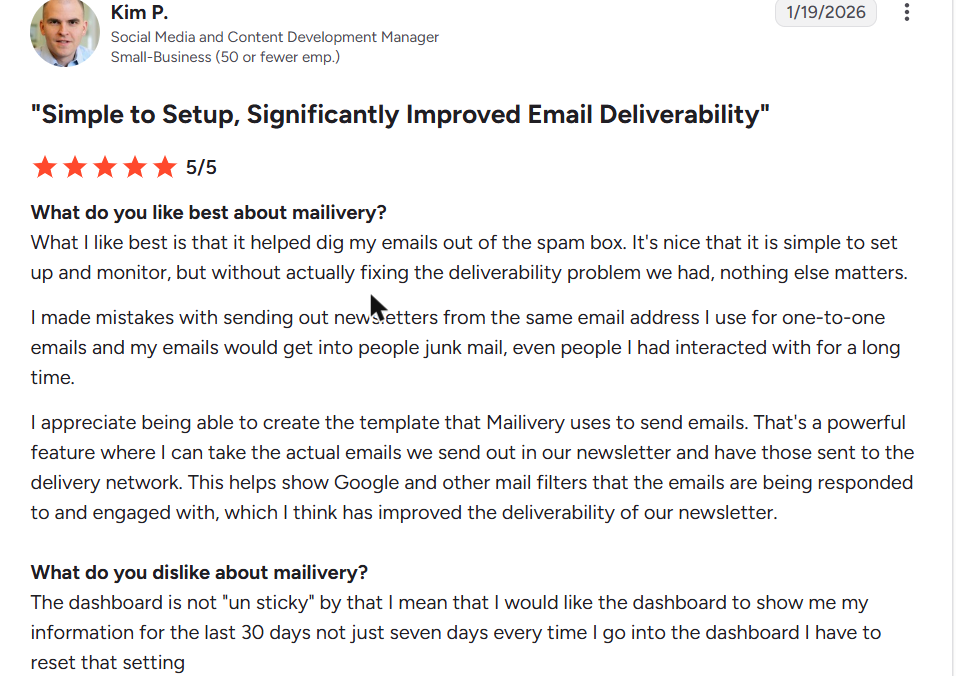
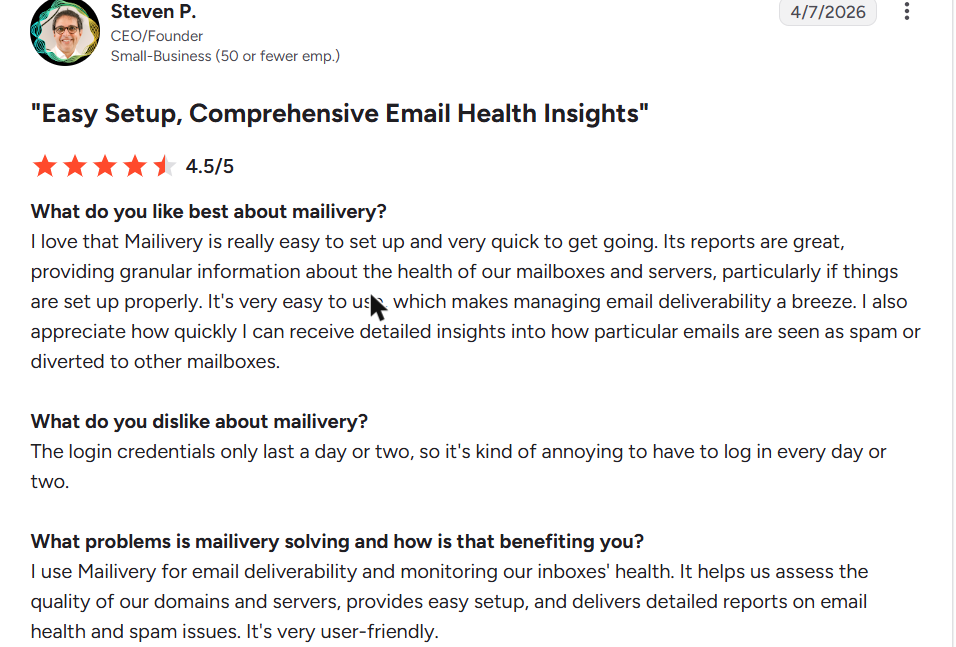
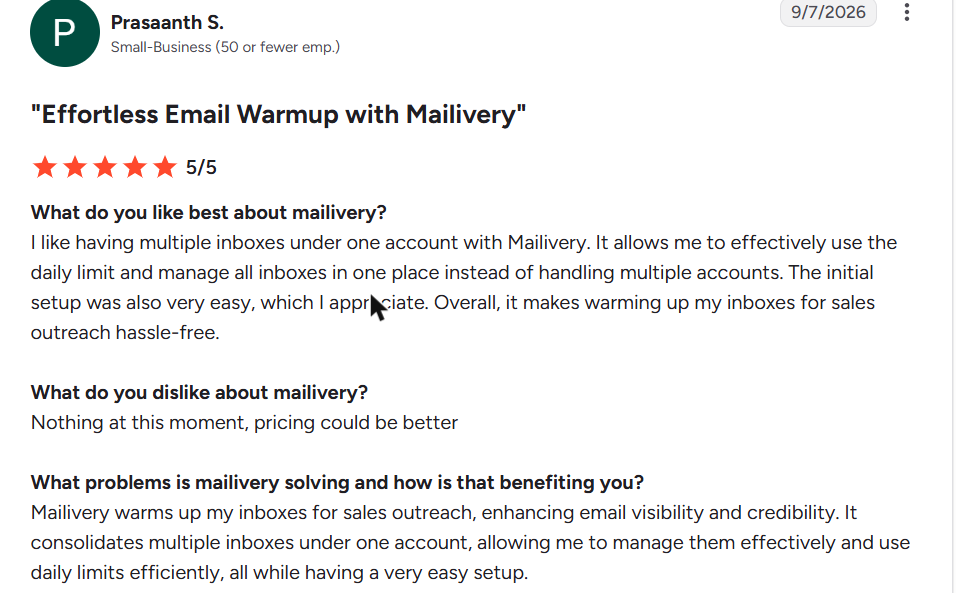
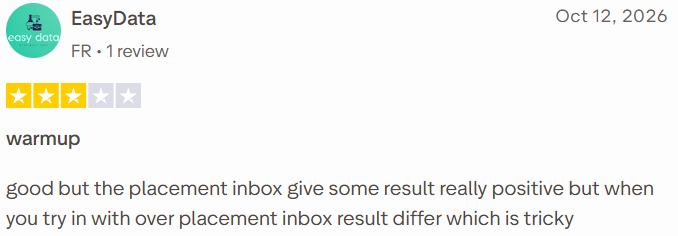
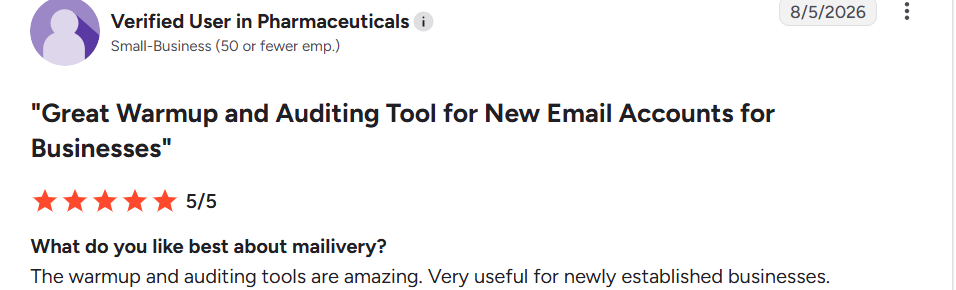
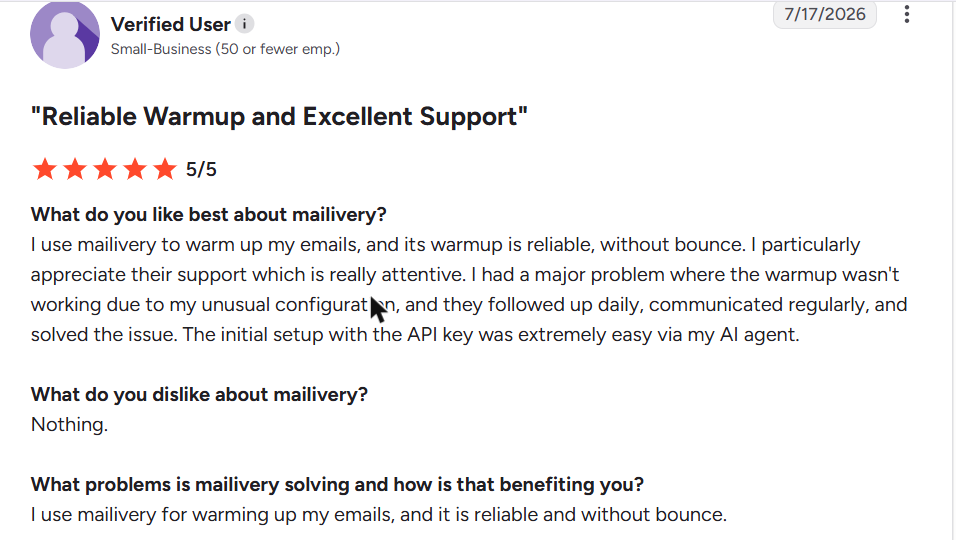
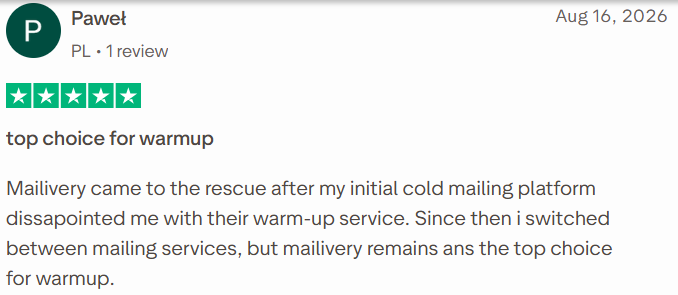
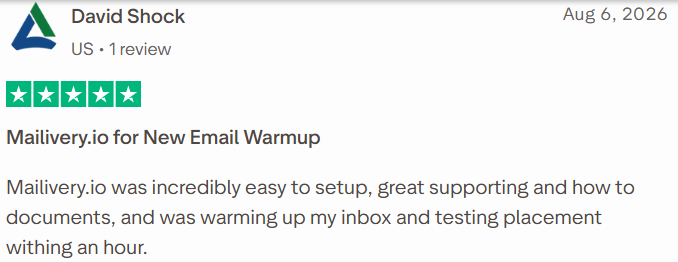
Select a review to read it in full on G2 or Trustpilot.
Best For
- Agencies and teams with 10 to 50 inboxes who want unlimited mailboxes on a flat price
- Teams that want placement tests and blacklist monitoring in the same plan
- Developers who want to control warm-up through an API
Our Verdict
The strongest value rival to TrulyInbox: $59.25 at 10 inboxes and $149.25 at 50 (annual), the cheapest standalone flat rate here.
Placement tests, blacklist monitoring and an API make it a full deliverability kit for the price. You give up a published network size and a free plan, so you can’t check its pool or test it beyond the trial. Confirm which daily volume your plan includes before you buy, since the pricing page shows two.
Also Read: Mailivery alternatives.
3. Warmup Inbox
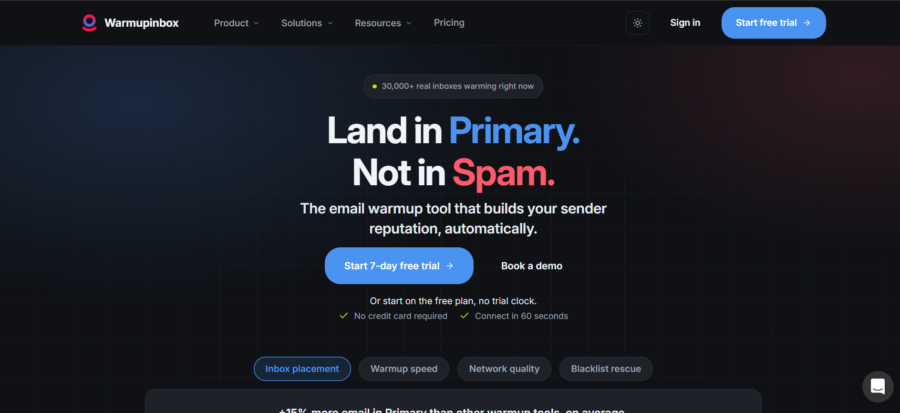
Warmup Inbox charges per inbox, and the rate falls as you add more. It uses a 30,000+ inbox network and warms almost any provider, from Gmail to ProtonMail to plain SMTP. Annual billing saves 20% against monthly.
Key Email Warm-Up Features
- ESP-specific warm-up on the Pro and Max plans
- Your own templates, chosen warm-up topics and language warm-up (Pro and up)
- Scheduled and custom warm-up settings
- Blacklist rescue: it watches 100+ blacklists daily and starts a rescue when an inbox gets listed
- Spam and category monitoring, plus an email reputation check
- Built-in DNS, SPF, DKIM and blacklist checks
- A free 60-second placement test, with no signup
- A developer API, multi-client workspaces and white-label reports for agencies
Pros
- A Freemium plan with unlimited inboxes at 15 warm-up emails a week, no card
- Falls to $7.50 per inbox at 50 inboxes (annual)
- The widest provider list here, from Gmail and Microsoft 365 to ProtonMail, Fastmail, iCloud and SES
- A 7-day trial on paid plans, with no card
- Consolidated billing and white-label reports for agencies
Cons
- No ESP targeting on the Basic plan
- Basic warms 75 emails a day per inbox, so heavier ramps need Pro at $49 per inbox
- More than 50 inboxes needs a custom quote
Pricing
- Freemium: $0, unlimited inboxes, 15 warm-up emails a week
- Basic: $15 per inbox a month annual ($19 monthly), 75 a day
- Pro: $49 ($59), 250 a day
- Max: $79 ($99), 1,000 a day
The per-inbox rate falls as you add more: on Basic, 10 inboxes cost $125 and 50 cost $375.
What Users Say
On Reddit:
- “Warmup Inbox looks like a pretty clean fit. They have a REST API for connecting inboxes, starting/pausing warmup, adjusting settings, and pulling placement metrics.” (u/Mularkeyy, r/Coldemailing, Aug 2026)
- “Every warmup tool works by putting your inbox into a pool of other mailboxes that email each other and mark those messages important.” (u/Away_Law_4388, r/Coldemailing, Aug 2026)
On G2 and Trustpilot:
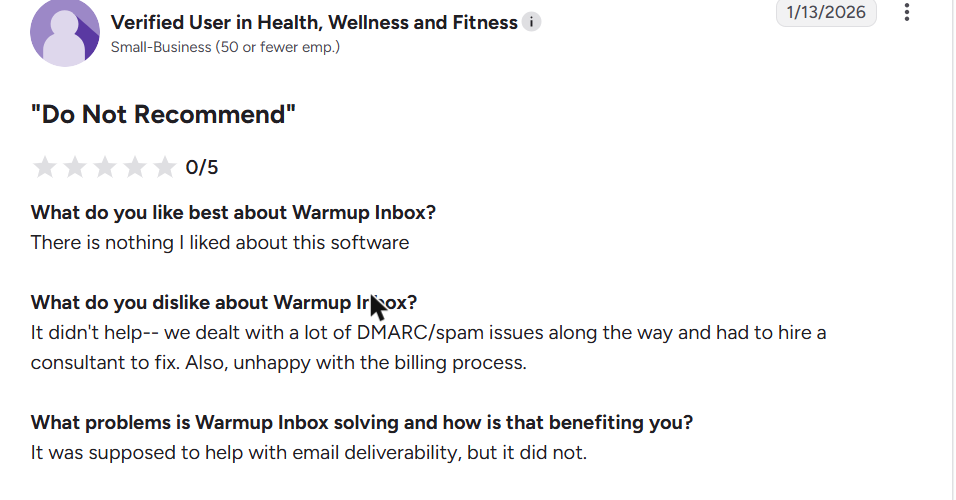
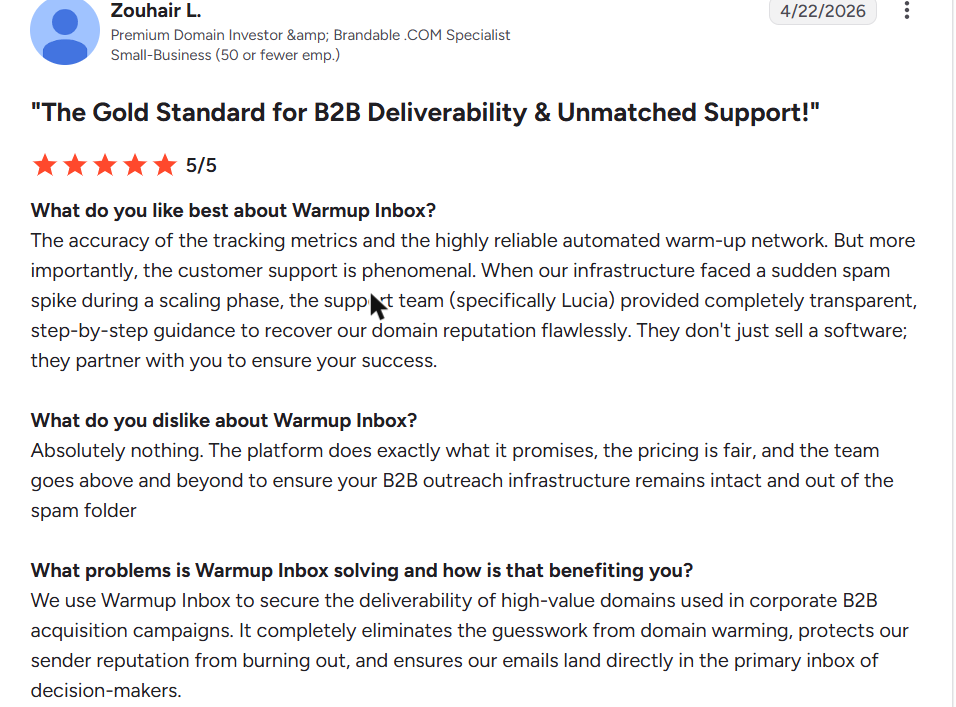
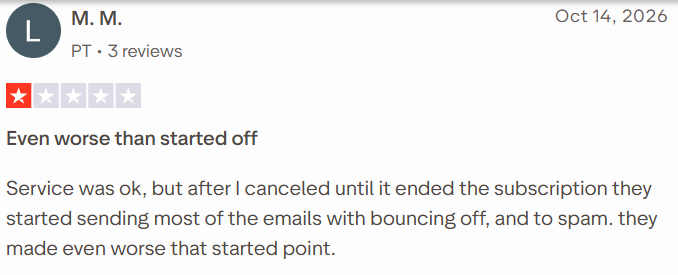
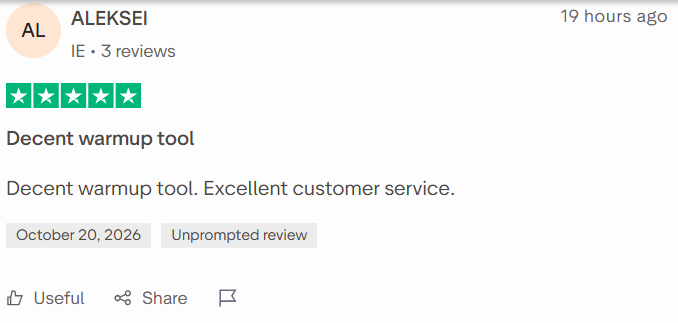
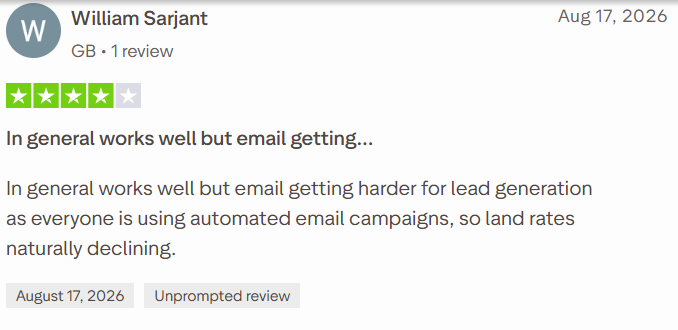
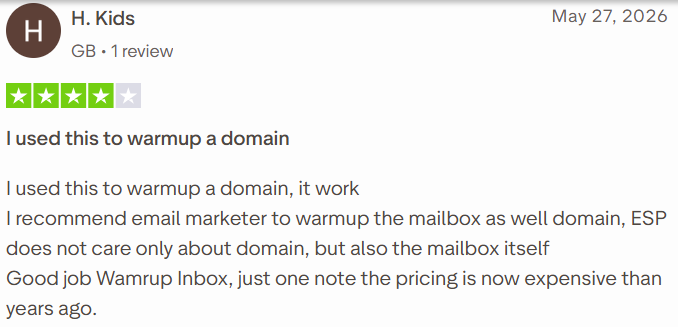
Select a review to read it in full on G2 or Trustpilot.
Best For
- Small teams warming one to a few inboxes
- Senders outside Google and Microsoft, such as ProtonMail, Fastmail, iCloud or SES
- Anyone who wants a free tier to try warm-up without a card
- Developers who need a warm-up API
Our Verdict
The cheapest way to warm a few inboxes on less common providers, with a free tier to start.
Basic costs $15 per inbox, but provider targeting needs Pro at $49 per inbox, which changes the maths fast. At 10 inboxes it costs $125 a month (annual), against $84 for TrulyInbox and $59.25 for Mailivery. Choose it for provider coverage and per-inbox control, and move to a flat-rate tool once you pass about 10 inboxes.
Also Read: TrulyInbox vs Warmup Inbox, our Warmup Inbox review and our free DMARC generator.
4. MailReach

MailReach pairs warm-up with spam testing. It warms up to 100 emails a day per mailbox through a network of 30,000+ accounts. Every plan includes 20 placement tests, so you can check results without a second tool.
Key Email Warm-Up Features
- A smart AI warming algorithm across Google, Outlook and other providers
- Warm-up emails opened, replied to positively, starred and removed from spam
- Reputation tracked separately for each provider, in one dashboard
- 20 spam test credits with every plan, each an inbox placement test with a report
- Domain and inbox health checks for blacklists, SPF, DKIM and DMARC
- Co-pilot, which analyses your email content and activity
- Slack and webhook alerts, plus warm-up and spam test APIs
- One overview page for agencies, with tags per client mailbox
Pros
- Placement testing bundled with warm-up, so you can check results without a second tool
- Falls to $12.80 per inbox at 51 to 100 inboxes (annual)
- Works with any SMTP provider, from Google and Microsoft to Zoho, SES and SendGrid
- APIs for both warm-up and spam testing
Cons
- No free trial on warm-up, only a free spam test
- Per-inbox pricing adds up: $156 at 10 inboxes and $720 at 50 (annual)
- Users says a cancelled subscription was reactivated and charged a month later
Pricing
- 1 to 5 inboxes: $20 per inbox a month annual ($25 monthly)
- 6 to 20 inboxes: $15.60 ($19.50)
- 21 to 50 inboxes: $14.40 ($18)
- 51 to 100 inboxes: $12.80 (annual)
That is $156 at 10 inboxes and $720 at 50, with 20 spam test credits on every plan
What Users Say
On Reddit:
- “I tested everything with MailReach recently and found all mails being sent to Microsoft ESP is going in spam.” (u/BunchNo514, r/Coldemailing, Aug 2026)
- “Google no issues, all placed in inbox and no spam.” (u/BunchNo514, r/Coldemailing, Aug 2026)
On G2 and Trustpilot:
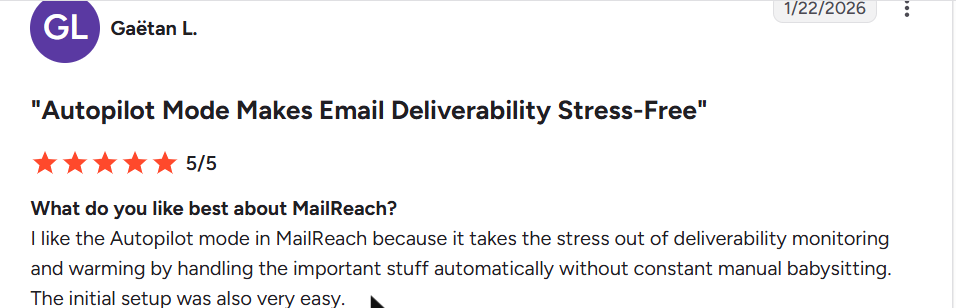
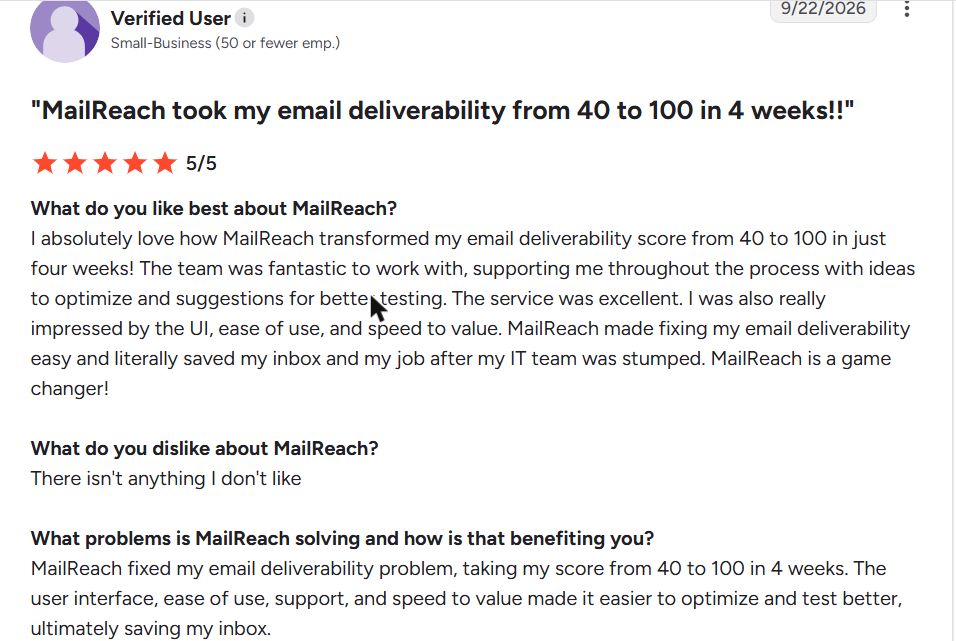
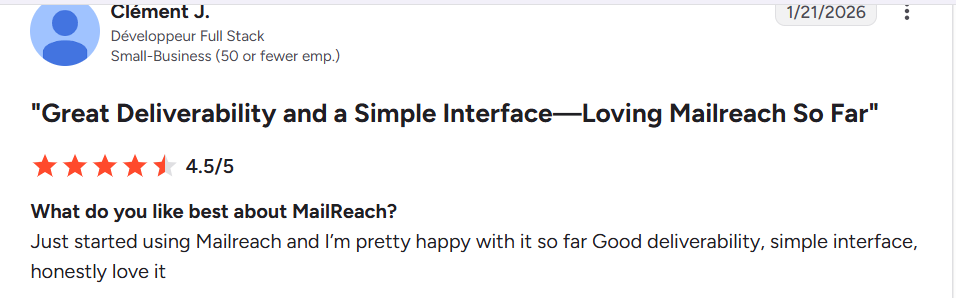
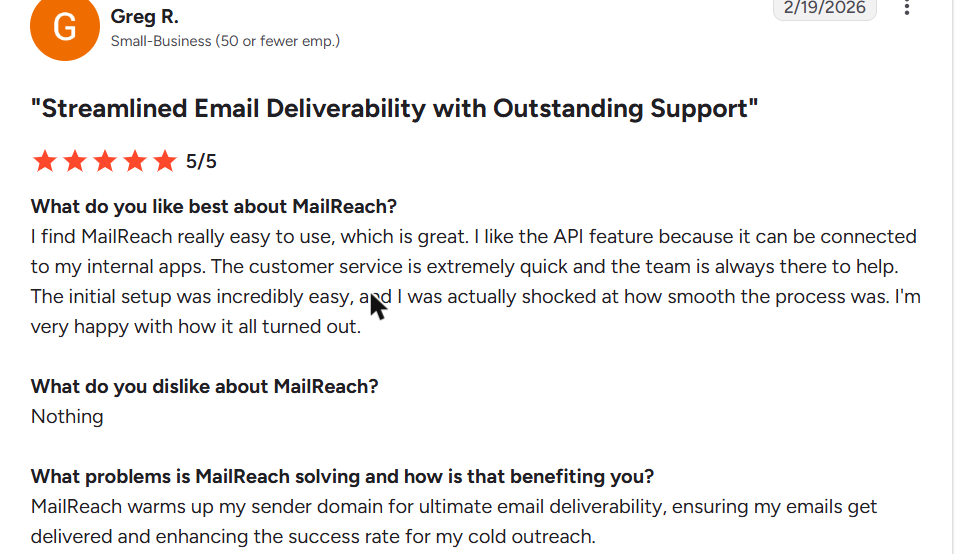
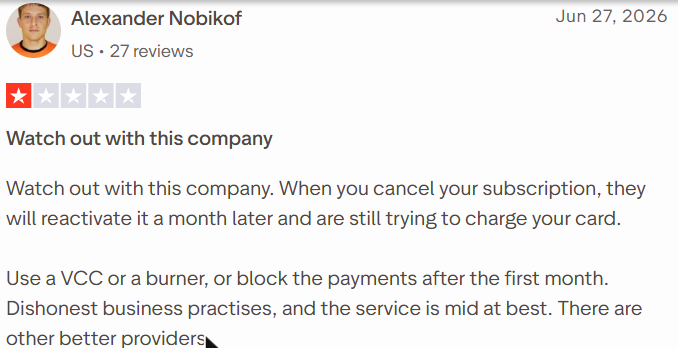
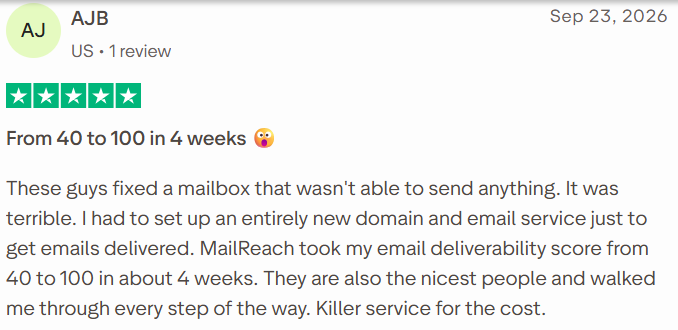
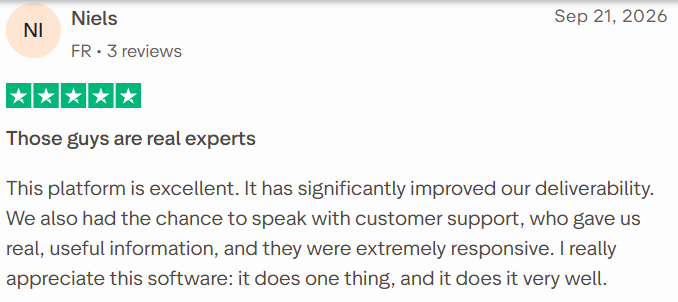
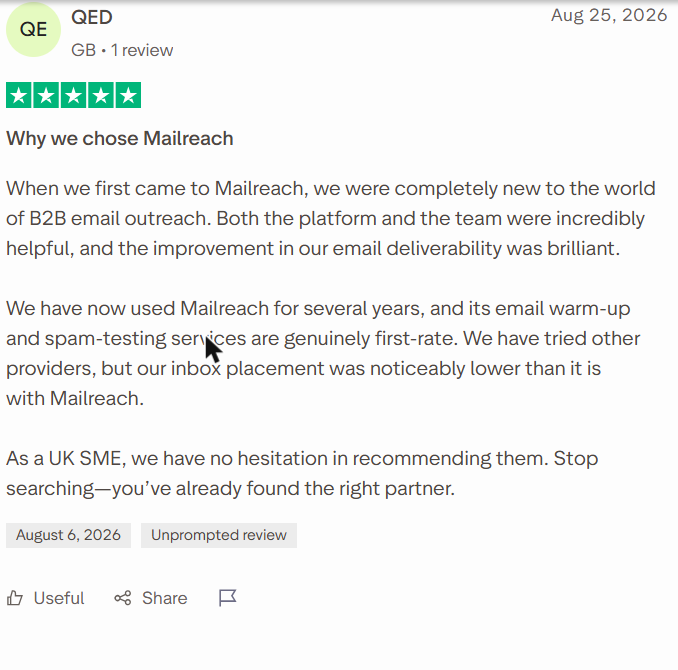
Select a review to read it in full on G2 or Trustpilot.
Best For
- Senders with a few inboxes who want warm-up and spam testing in one tool
- Teams that need reputation per provider, for example to catch Microsoft problems early
- Agencies that want client tags and Slack alerts
Our Verdict
Worth it when you want warm-up and placement tests in one place, and reviewers credit it with real score gains. It gets expensive past a few inboxes: $156 at 10 and $720 at 50, against $84 and $169 for TrulyInbox.
There is no warm-up trial, so start with the free spam test to judge its reports. Read the cancellation terms first, after a reviewer reported being charged again.
Also Read: how MailReach compares and our MailReach review.
5. Warmy.io
Warmy.io prices by warm-up volume, from $49 a month, with quotes through a demo. It claims a 1M+ mailbox network, though its own FAQ says at least 300,000. You choose a business or a consumer network to warm against.
Key Email Warm-Up Features
- A B2B network (Google Workspace, Microsoft 365) or a B2C network (Gmail, Yahoo, Outlook)
- Warm-up with your own templates, a template optimizer and specific-topic warm-up
- Warm-up in 30+ languages, within your working hours
- Adeline, an AI co-pilot for warm-up settings
- Google Postmaster data, a reputation tracker with blacklist alerts and a DMARC tracker
- A 500K+ US seed list that rotates monthly, plus a placement tester
- Email verification, full API access and an agency console with client access levels
Pros
- The most customization on this list
- Per-client placement data you can share with customers
- Connects almost any provider, from Gmail and Microsoft 365 to iCloud, AOL and GMX
- A 7-day trial with no card
Cons
- No published per-inbox or annual price, and quotes come through a demo
- Network figures differ: “1M+” on its pricing page, a “minimum of 300,000” in its FAQ
Pricing
- From $49 a month, priced by warm-up volume (billing period not stated)
- 10 mailboxes priced at $1110 and 50 priced at $4750 are custom quotes through a demo
- The 7-day trial covers one mailbox at 15 to 50 emails a day, with no card
What Users Say
On Reddit:
- “I’m pretty happy with Warmy, but I’m also aware that I pay per mailbox.” (u/thesecretmarketer, r/emaildeliverability, Jun 2026)
- “warmy’s pretty pricey for what you get yeah.” (u/raw-neet, r/emaildeliverability, Feb 2026)
- “Ran 12 inboxes. My Warmy bill was $588 per month.” (u/Mysterious_Papaya592, r/SaaS, May 2026). This user then built a self-hosted alternative.
- “Our pricing changes based on each customer’s needs, number of mailboxes, warm-up methodology and more factors.” (u/Warmy_io_official, r/SaaS, May 2026), Warmy’s reply in the same thread.
On G2 and Trustpilot:
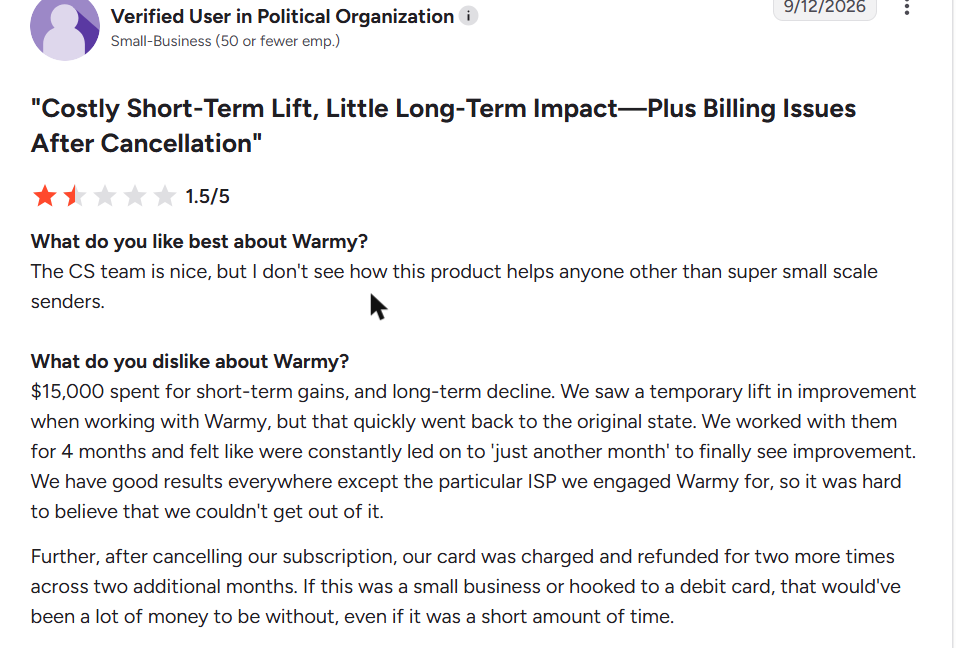
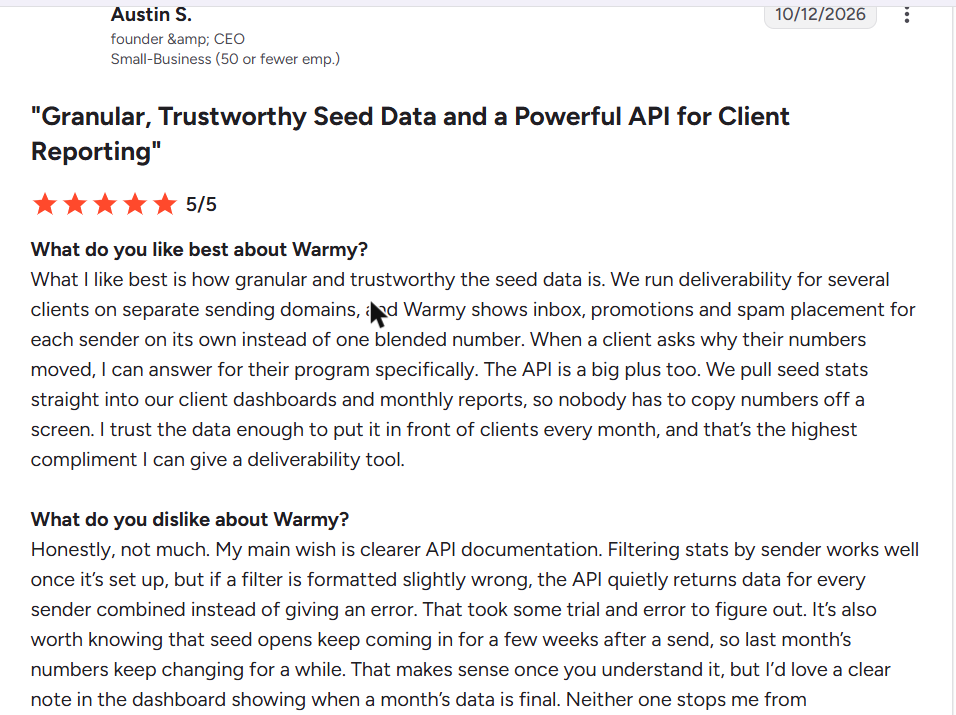
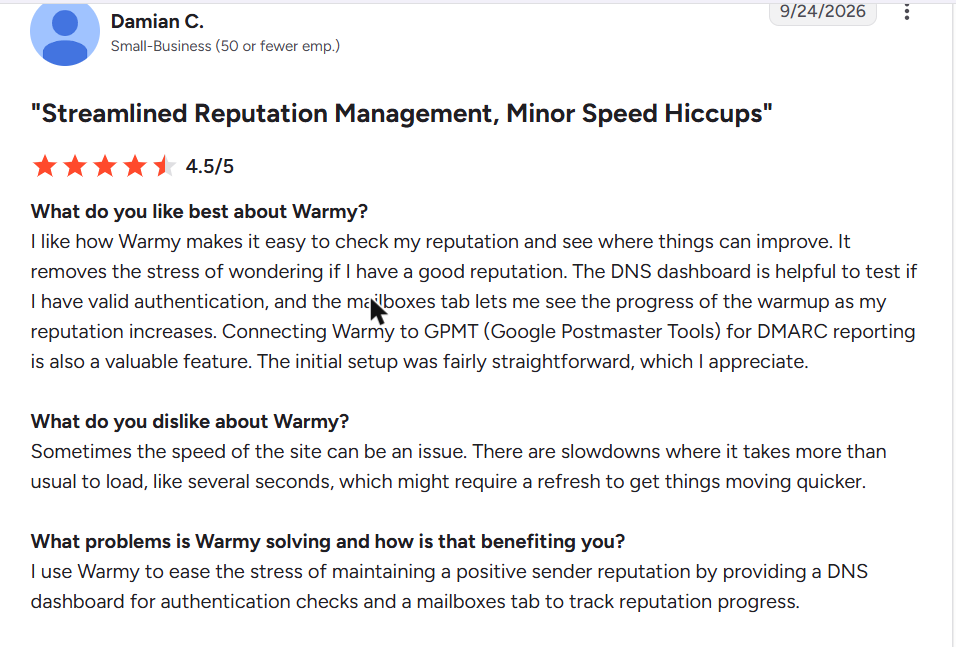
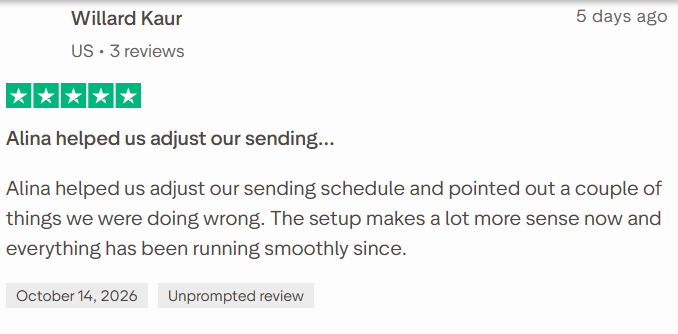
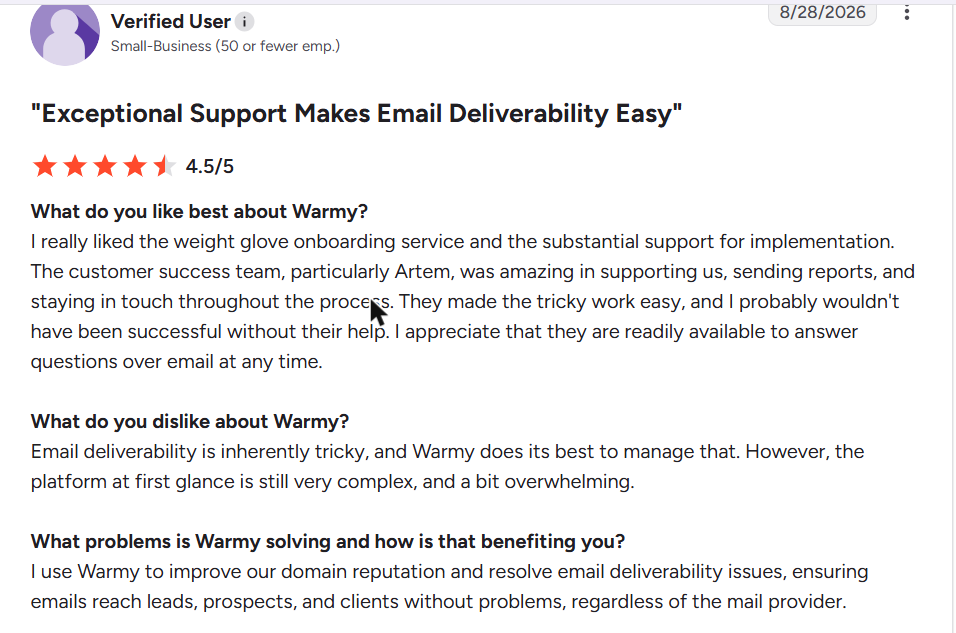
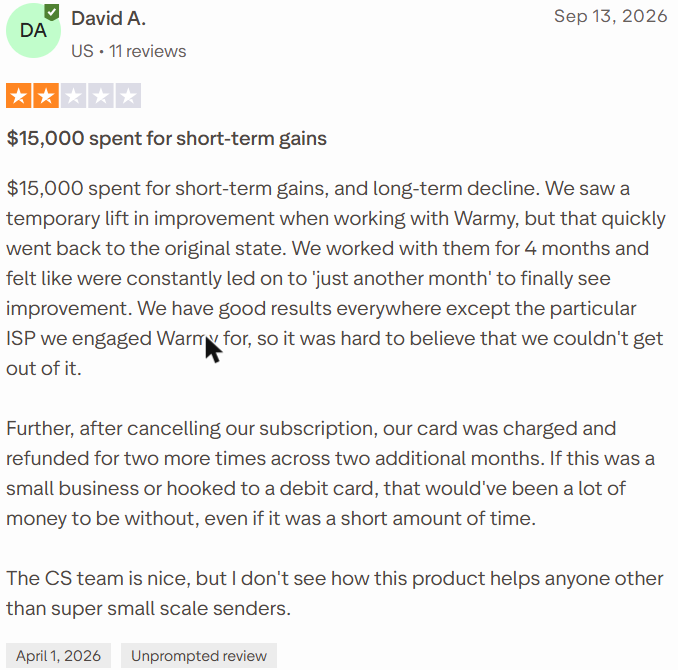
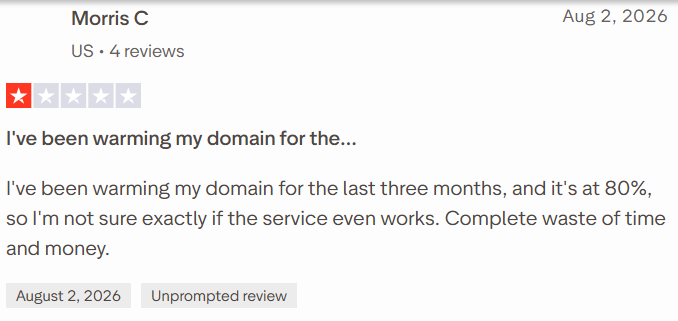
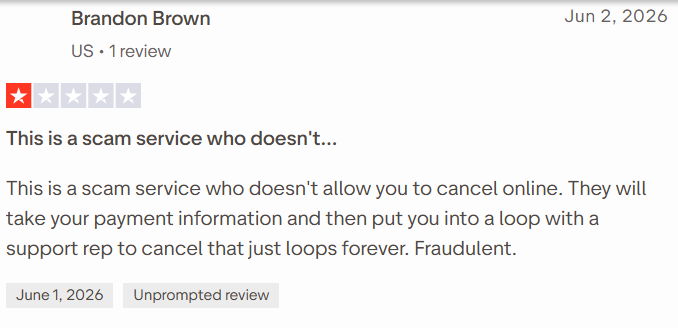
Select a review to read it in full on G2 or Trustpilot.
Best For
- Agencies that report placement to each client
- Teams that want deep control over templates, topics, languages and networks
- B2C senders who need to warm against consumer Gmail, Yahoo and Outlook inboxes
Our Verdict
The control is real: separate B2B and B2C networks, your own templates per mailbox and a seed list for testing. Prices are quote-only from $49 a month, and one Reddit user paid $588 a month for 12 inboxes. Reviewers report billing after cancellation, so get the terms in writing. Budget teams with a handful of inboxes will find better value in a flat-rate tool.
Also Read: TrulyInbox vs Warmy and our Warmy review.
6. Warmforge
Warmforge is per-slot warm-up from the Salesforge Forge Stack. It warms only Google Workspace and Microsoft 365 mailboxes, unless you use it inside Salesforge. New users get one warming slot free.
Key Email Warm-Up Features
- AI-written warm-up emails sent between real accounts
- Deliverability Boost, which pulls warm-up emails out of spam
- Always-on warm-up that keeps running after you launch campaigns
- A Heat Score that should reach 100 for the best deliverability
- One premium warm-up pool for every user, by default
- Health checks for DNS, MX records and blacklists
- One free placement test a month, with more sold separately
Pros
- The lowest entry price here, $9 per slot a month (annual)
- One free warming slot on your first workspace
- Unlimited warm-up slots if you already pay for Salesforge
Cons
- Google Workspace and Microsoft 365 mailboxes only, unless you use Salesforge
- No network number, only “millions of businesses and accounts”
- No free trial beyond the free slot
- Mailboxes disconnecting and warm-up stopping sometimes
Pricing
- 1 to 10 slots: $9 per slot a month annual ($12 monthly), so $90 for 10
- 11 to 50 slots: $6 per slot (annual) in its pricing calculator, or $300 for 50
Placement tests are sold separately from warm-up slots.
What Users Say
On Reddit:
- “I would not recommend WarmForge, it recently sent things through ColoCrossing which got my domain flagged!” (u/Apprehensive_Pack827, r/emaildeliverability, Jun 2026)
On G2 and Trustpilot:
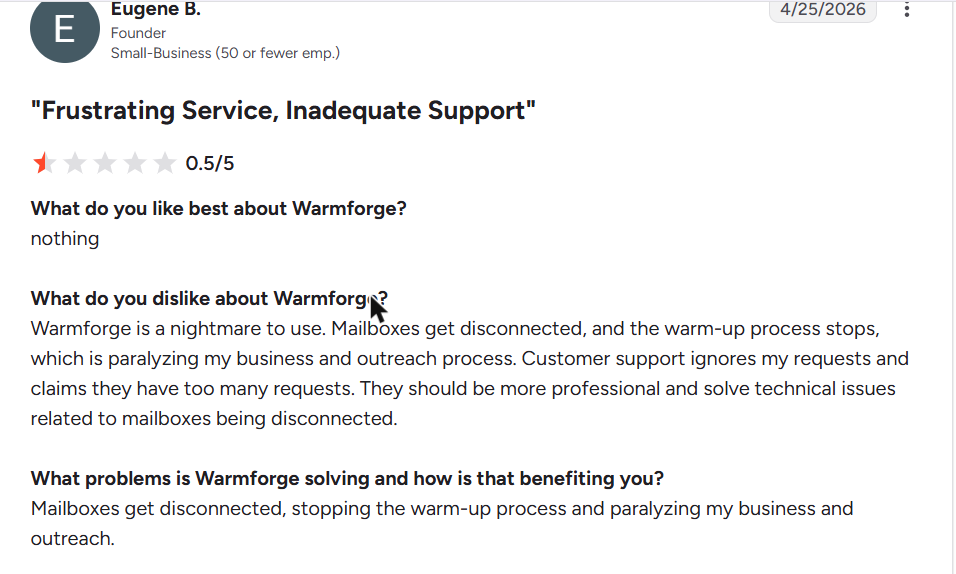
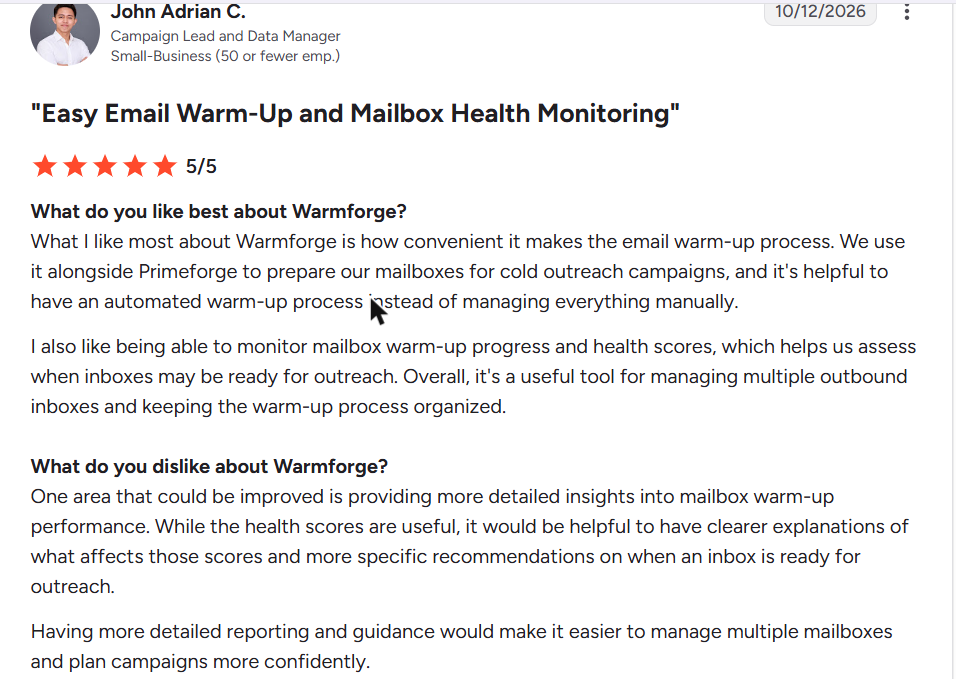
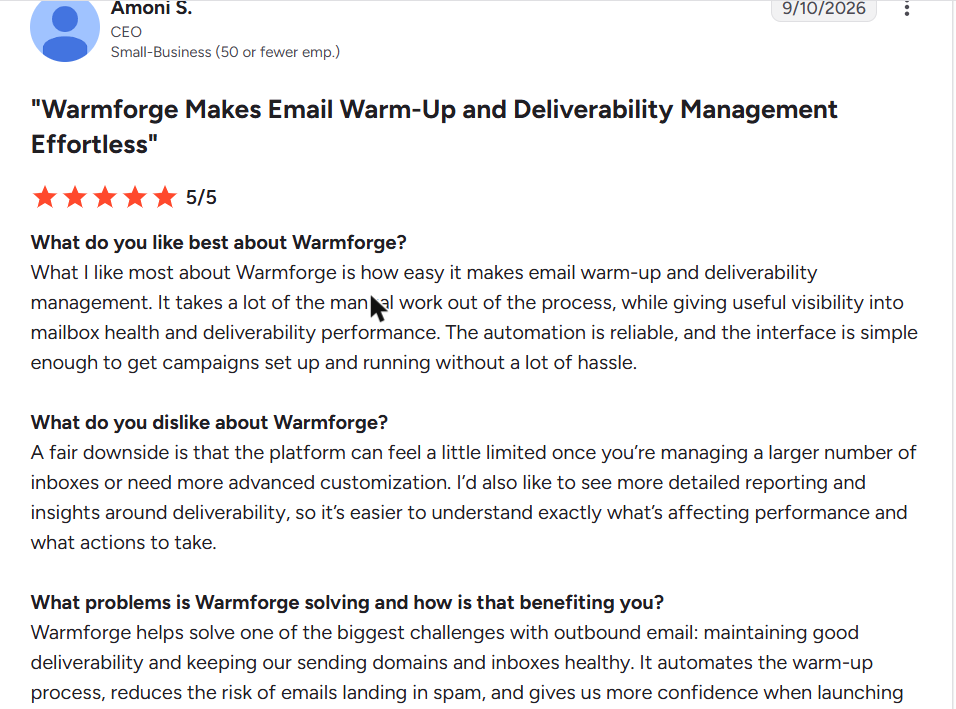
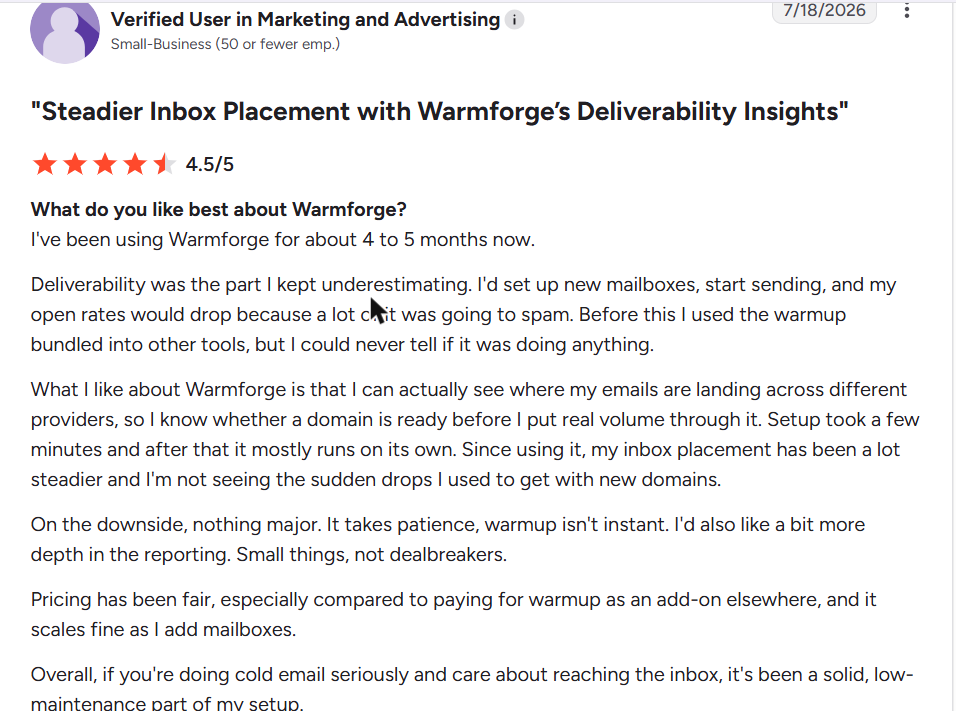
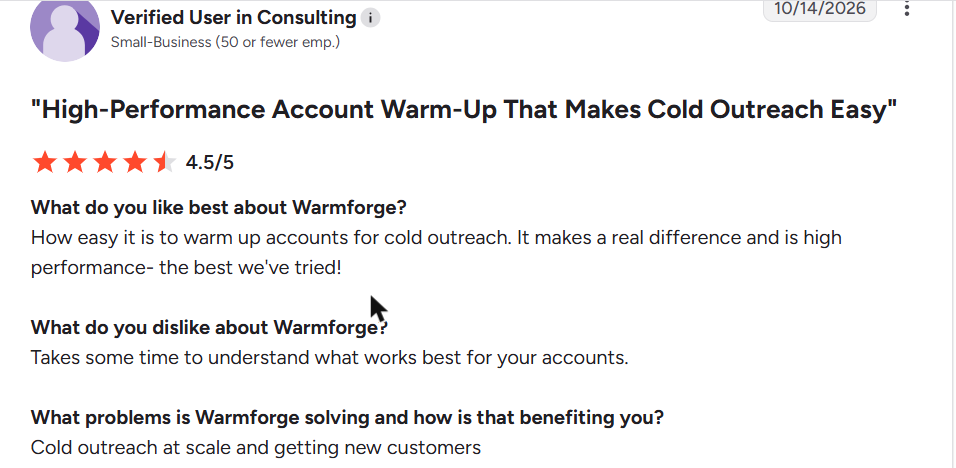
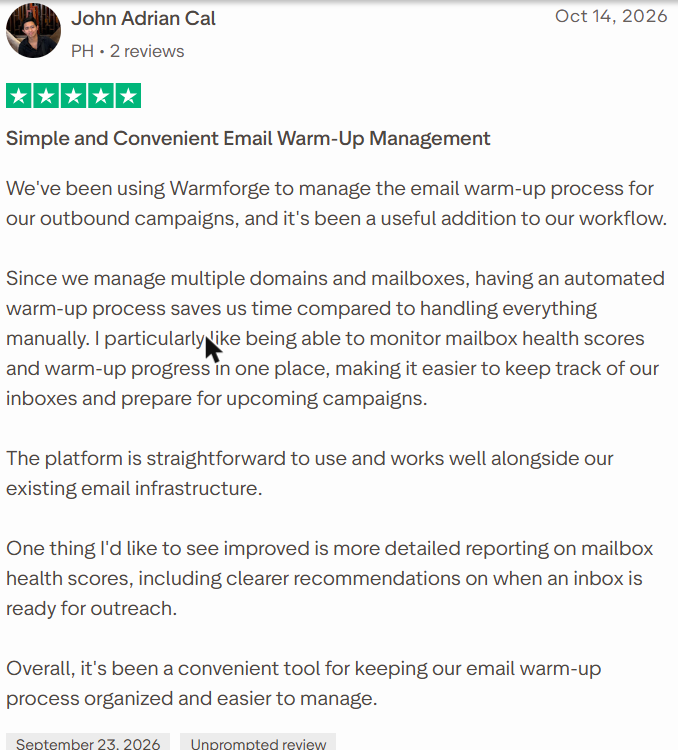
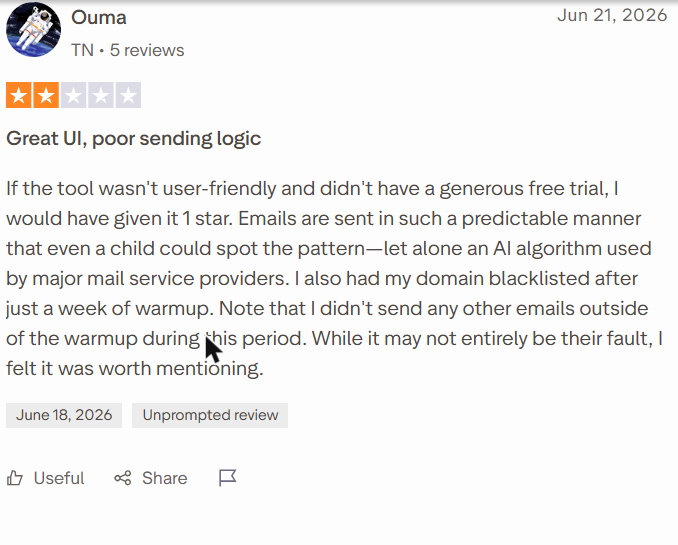
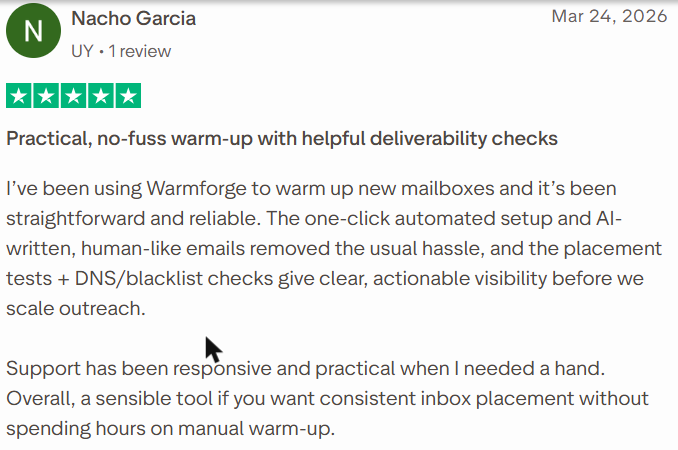
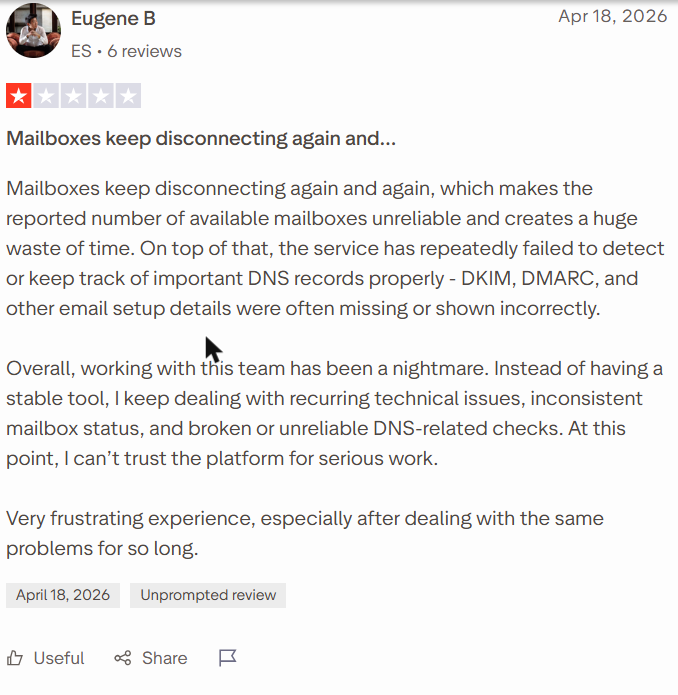
Select a review to read it in full on G2 or Trustpilot.
Best For
- One or a few Google Workspace or Microsoft 365 inboxes on a tight budget
- Salesforge users, who get warm-up included
- Testing warm-up on one mailbox with the free slot
Our Verdict
The cheapest per inbox if every mailbox is on Google or Microsoft: $9 a slot, or $90 for 10. The free slot and monthly placement test let you check it before paying. Reviewers report disconnects, and one Reddit user blames its traffic for a flagged domain, so watch blacklists closely. Look elsewhere for Zoho, Yahoo or SMTP mailboxes, which standalone Warmforge does not warm.
7. Lemwarm
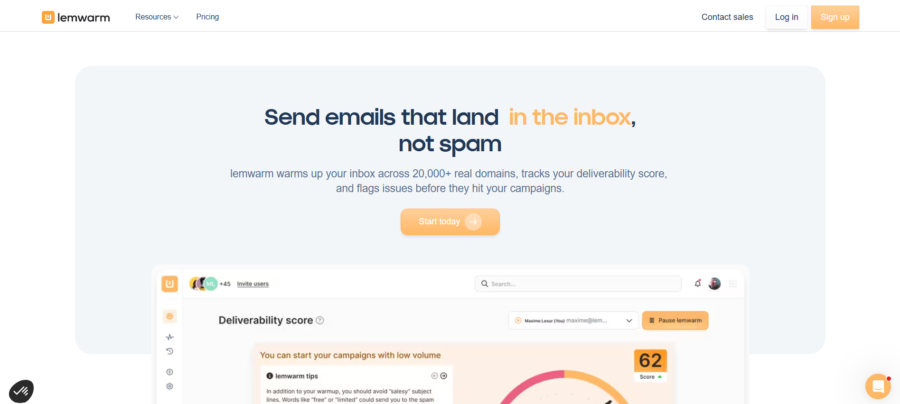
Lemwarm is lempire’s warm-up tool, sold on its own per inbox and included with every paid lemlist plan. Its network covers 20,000+ healthy domains in 100+ countries. It connects Gmail and Outlook in one click, others over SMTP.
Key Email Warm-Up Features
- Automatic warm-up with human-written warm-up emails
- A network of 20,000+ healthy domains in 100+ countries
- Personalized warm-up emails, and warm-up with your real templates (Smart)
- A warm-up network matched to your industry (Smart)
- A technical setup check and a Warmup Score
- Deliverability reports, with custom alerts and tips on Smart
Pros
- Free on every paid lemlist plan
- Connects Gmail and Outlook in one click, and Zoho, FastMail or Proton over SMTP and IMAP
- Industry-matched warm-up on the Smart plan
Cons
- lemlist’s free trial excludes it
- Per-inbox pricing reaches $1,200 a month at 50 inboxes
- Industry matching and template warm-up need Smart, at $40 per inbox
Pricing
- Essential: $24 per inbox a month annual ($29 monthly)
- Smart: $40 ($49)
- On Essential: 10 inboxes cost $240 and 50 cost $1,200, with volume pricing through sales past 10 users
Included with every paid lemlist plan, from $55 a month (annual) for the Email plan.
What Users Say
On Reddit:
- “1 domain is scoring around 92 but the other is stuck around 70.” (u/Pr0f-x, r/Coldemailing, Jul 2026)
- “If it inboxes fine 70 is just a lemwarm thing you can ignore. If it goes to spam warming wont fix it.” (u/LeadNo1270, r/Coldemailing, Jul 2026)
- “I’ve heard Lemwarm and Instantly’s warmup features are cheaper alternatives if you just need the warming part.” (u/raw-neet, r/emaildeliverability, Feb 2026)
On G2 and Trustpilot:
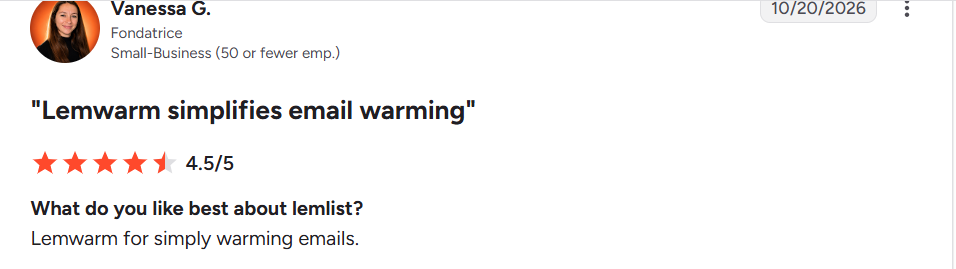
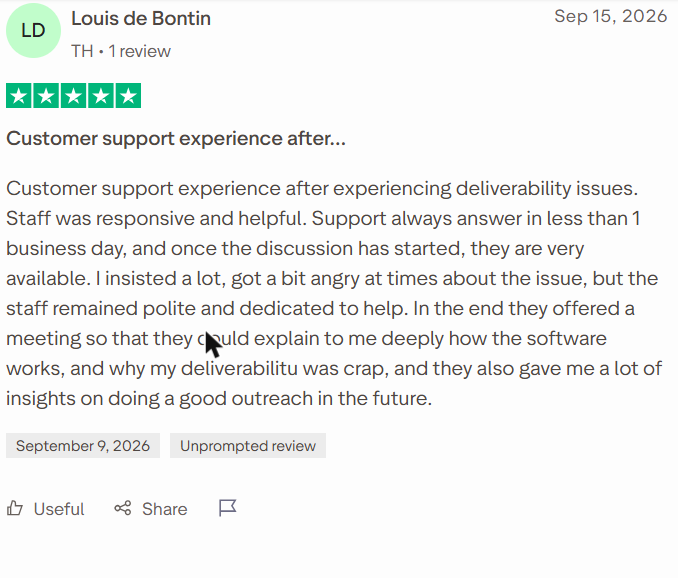
Select a review to read it in full on G2 or Trustpilot.
Best For
- Teams that already send cold email from lemlist
- Gmail and Outlook senders who want one-click setup
- Senders who want warm-up matched to their industry (Smart)
Our Verdict
It comes free with every paid lemlist plan, so lemlist users pay nothing extra. On its own it’s costly: $240 at 10 inboxes and $1,200 at 50. Treat the Warmup Score as a guide, and test a real inbox when it stalls, as Reddit users advise. Recent reviews of its warm-up are too thin to judge results.
Also Read: Lemwarm alternatives and TrulyInbox vs Lemwarm.
8. Warmbox
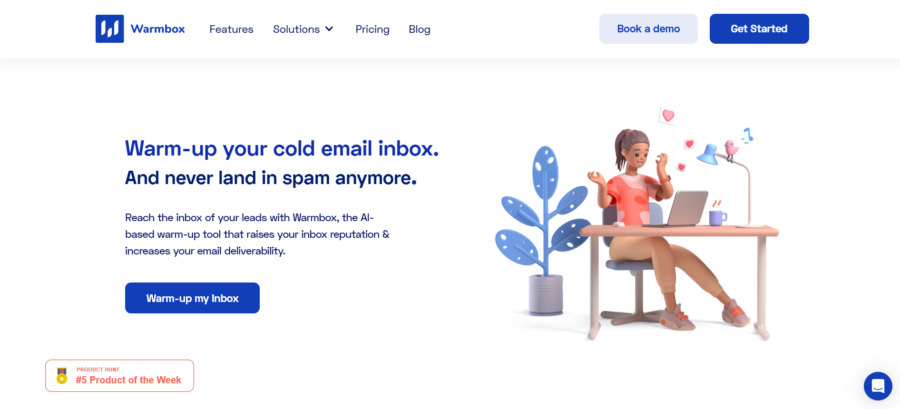
Warmbox sells plans capped at 1, 3 or 6 inboxes. Its network has 35,000+ private inboxes from 100+ countries, and warm-up follows your timezone and working hours. It supports most providers, from Yahoo and iCloud to any SMTP inbox.
Key Email Warm-Up Features
- Growth, Flat or Random warm-up patterns, or a fully custom ramp
- Human-like warm-up emails, written with GPT-4 or a hybrid method
- Auto-remove from spam, auto-reply and mark as favorite
- Scheduling by timezone and working hours
- Spam score monitoring
- A private network of 35,000+ inboxes from 100+ countries, with multi-account access for agencies
- A live DNS and blacklist checker that anyone can use free
Pros
- A Solo plan at $15 a month (annual)
- Supports Yahoo, iCloud, AOL, Yandex, Zoho, SendGrid, Mailgun, SES and any SMTP
- A free DNS and blacklist test
Cons
- More than 6 inboxes needs a custom plan
- No free plan, and a free trial appears only on its agency page, with no terms
- No public reviews to vouch for results
- Plans cap team members as well as inboxes
Pricing
- Solo: $15 a month annual ($19 monthly), 1 inbox
- Start-up: $69 ($79), 3 inboxes
- Growth: $139 ($159), 6 inboxes
More than 6 inboxes needs a custom quote.
What Users Say
On Reddit it shows up only in tool lists and price tables. We found no first-hand account of its warm-up in the last 12 months.
Best For
- One to six inboxes on any provider, from Yahoo and iCloud to plain SMTP
- Solo senders who want a simple, fixed monthly price
Our Verdict
$15 to $139 a month covers one to six inboxes, and past six you need a custom quote. Provider coverage is wide, which helps if you send from Yahoo, iCloud or SMTP. With no public reviews, test it on a spare mailbox first.
At three inboxes, Warmup Inbox ($45) and TrulyInbox Starter ($22) cost less than its $69.
Also Read: Warmbox reviewed and TrulyInbox vs Warmbox.
9. Snov.io
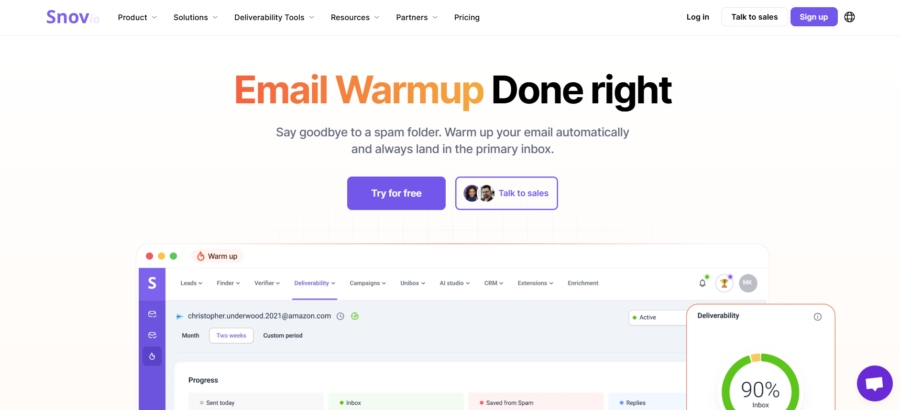
Snov.io is a sales suite with warm-up bundled in. Its pool has 35,000 accounts, and warm-up only works on mailboxes connected over SMTP. Warm-up is unlimited from the Pro S plan up.
Key Email Warm-Up Features
- A premium pool that warms with business domains only
- Specific provider warm-up, to focus where you land in Promotions or Spam
- AI-written warm-up emails in same-thread conversations
- Warm-up of your templates and your custom tracking domain
- Strategies for preparing new mailboxes or fixing older ones
- Spintax and a plain-text mode for warm-up
- Blacklist monitoring, with the email finder, verification and campaigns in the same plan
Pros
- Unlimited warm-up mailboxes from Pro S, $74.25 a month (annual)
- A free plan that renews monthly, with 1 slot at 15 emails a day
- Warm-up sits next to the finder and campaigns, so one bill covers outreach
Cons
- Starter warms only 3 mailboxes
- Warm-up only works on mailboxes connected over SMTP, so Gmail accounts connected by API must reconnect with an app password
- As pure warm-up, you pay for a suite you may not use
Pricing
- Free: 1 warm-up slot at 15 emails a day, renewing monthly
- Starter: $29.25 a month annual ($39 monthly), 3 mailboxes
- Pro S: $74.25 ($99), unlimited mailboxes under fair use
10 and 50 inboxes both cost $74.25 on Pro S.
What Users Say
On Reddit: We found no Reddit discussion of its warm-up in the last 12 months. The closest is a sales lead on its free tier, about the email finder: “it was fine for small volumes but we outgrew it fast and the email finding accuracy wasnt where i needed it” (u/RedditAPIBlackout24, r/salestechniques, Sep 2026)
On G2:
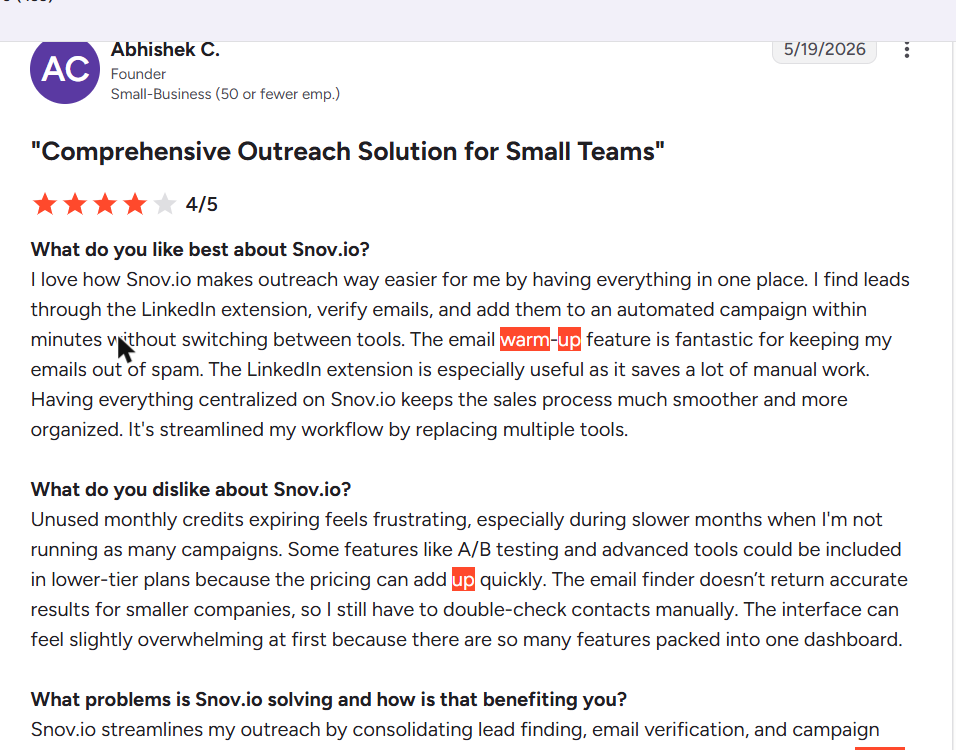
Select a review to read it in full on G2.
Best For
- Sales teams that want warm-up inside an email finder and outreach suite
- Teams warming many SMTP-connected mailboxes on one flat plan
Our Verdict
Good value if you’ll use the finder and campaigns too, with unlimited warm-up from $74.25.
As pure warm-up, you pay for features you won’t touch. Check that your mailboxes connect over SMTP first, or warm-up won’t run. The free plan’s 15 emails a day lets you try the dashboard on one inbox.
10. Mailwarm
Mailwarm (mailwarm.com, not mailwarm.io) pairs warm-up with a deliverability expert on every plan. It uses 50,000+ aged real inboxes and needs no IMAP access. It is built in Paris and backed by Y Combinator.
Key Email Warm-Up Features
- Provider-level warm-up for Gmail, Outlook, Microsoft 365, Yahoo and SMTP
- A network of 50,000+ aged real inboxes, with no IMAP access needed
- Warm-up of your own email content
- Live inbox versus spam tracking, from placement tests running around the clock
- Spam score monitoring, and bounce prevention that deactivates invalid inboxes
- Authentication fix tools
- A deliverability expert on every plan (one call a month on Starter)
Pros
- A human expert on every plan
- No access needed to read your inbox
- Free tools and a free deliverability audit call
Cons
- $69 a month for one mailbox (annual), with no free trial
- Scale stops at 10 mailboxes, and more needs a tailored plan
Pricing
- Starter: $69 a month annual ($79 monthly), 1 mailbox
- Growth: $159 ($189), 3 mailboxes
- Scale: $479 ($549), 10 mailboxes
More than 10 mailboxes needs a tailored plan at a custom price.
What Users Say
On Reddit: We found no first-hand Reddit account of Mailwarm in the last 12 months. It appears only in a price table.
On G2 and Trustpilot:
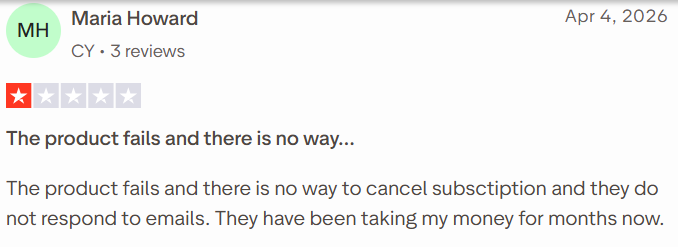
Select a review to read it in full on G2 or Trustpilot.
Best For
- Teams that want a deliverability expert on call
- Senders who won’t grant IMAP access to their inbox
- Setups of up to 10 mailboxes
Our Verdict
Buy it for the expert calls and provider-level control, not the price per inbox. At $479 for 10 mailboxes, it costs nearly six times TrulyInbox’s Growth plan.
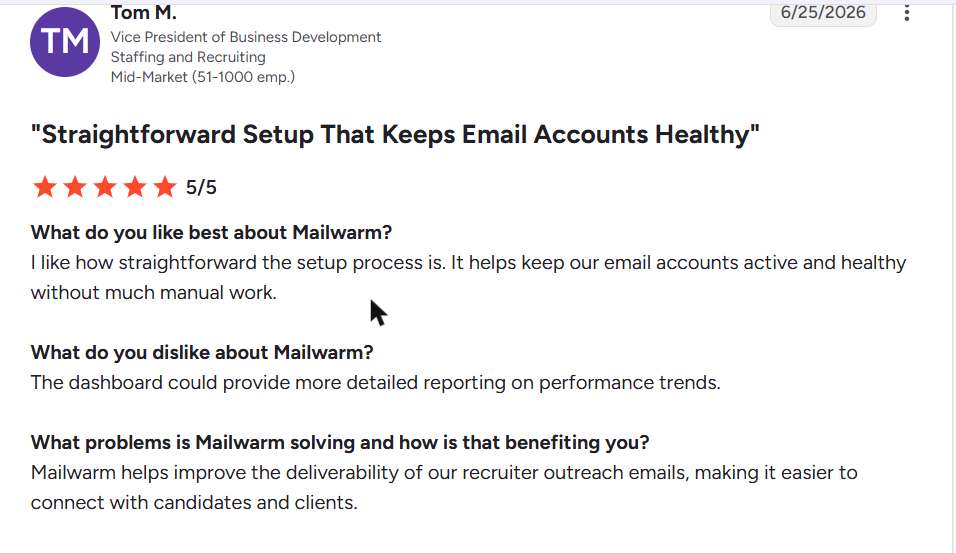
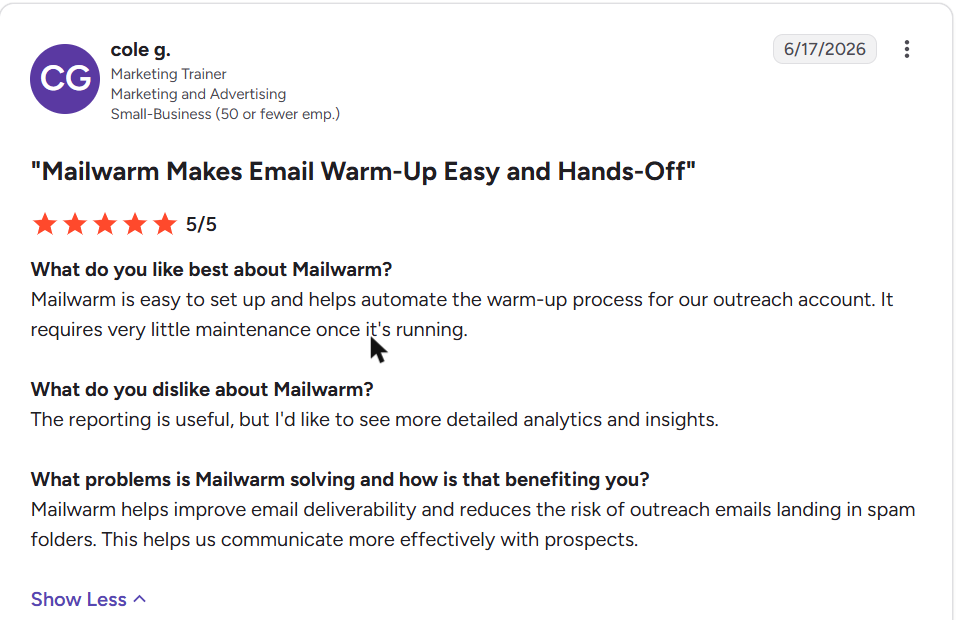
Its G2 reviews are uniformly positive but all arrived within four months, so weigh them with that in mind. One reviewer could not cancel, so confirm the terms.
Also Read: TrulyInbox vs Mailwarm and Mailwarm reviews.
11. Folderly
Folderly is a deliverability platform more than a warm-up tool. It sends your own template to its network to train spam filters, then shows why mail lands in spam. You sign up through a demo, on yearly per-mailbox pricing.
Key Email Warm-Up Features
- Automated tests that send your own template through Folderly’s network
- Detection of technical and content spam triggers in Gmail and Outlook
- Daily inbox monitoring, with a Folderly Score
- Placement reports across major providers
- IP insights (type, sender score, blacklists) and domain health fixes with step-by-step guides
- Automated positive engagement for your mailbox, domain and IP
- A spam words checker, plus free Inbox Insights (2 tests a month) and Pulse alerts
Pros
- Explains why mail lands in spam, not only where
- Step-by-step fixes for domain issues
- Free placement testing tools
- Connects Google Workspace, Microsoft 365, Exchange and custom SMTP
Cons
- The most expensive here at 50 inboxes, at $2,800 a month
- Yearly billing only, with a minimum commitment and no trial
- Signup goes through a demo, with no self-serve start
Pricing
- 1 to 9 mailboxes: $96 per mailbox a month (yearly)
- 10 to 24 mailboxes: $72
- 25 to 99 mailboxes: $56
That is $720 at 10 inboxes and $2,800 at 50, and a minimum commitment applies. Inbox Insights Free and Pulse cost $0, but they are tests, not warm-up.
What Users Say
On Reddit: We found no Reddit discussion of Folderly in the last 12 months.
On G2:
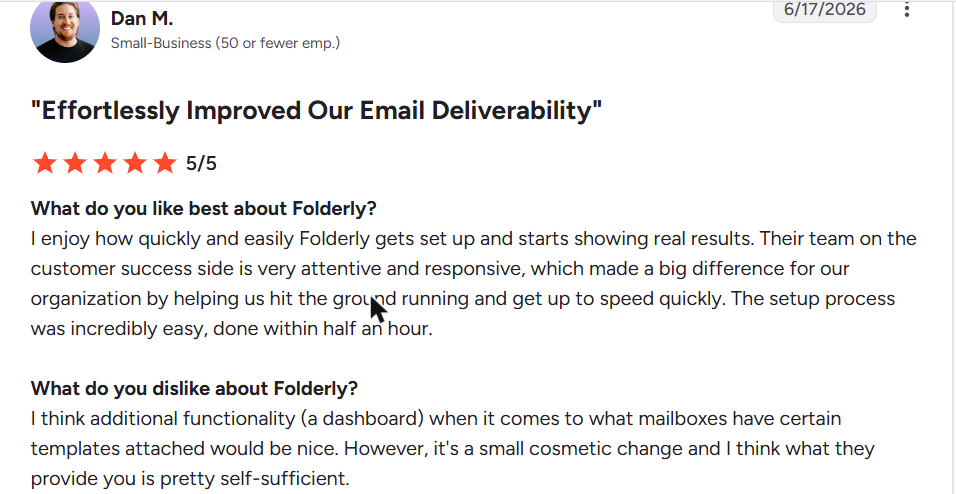
Select a review to read it in full on G2.
Best For
- Teams that need to find out why their mail lands in spam
- Senders with content or technical problems in Gmail and Outlook
Our Verdict
It is built for diagnosis, not routine warm-up. Yearly billing with a minimum commitment makes it the costliest option at 50 inboxes, at $2,800 a month.
Its free testing tools are worth a look before you book a demo. If you only need inboxes warmed, a dedicated warm-up tool costs a fraction of the price.
Also Read: Folderly alternatives and TrulyInbox vs Folderly.
12. InboxAlly
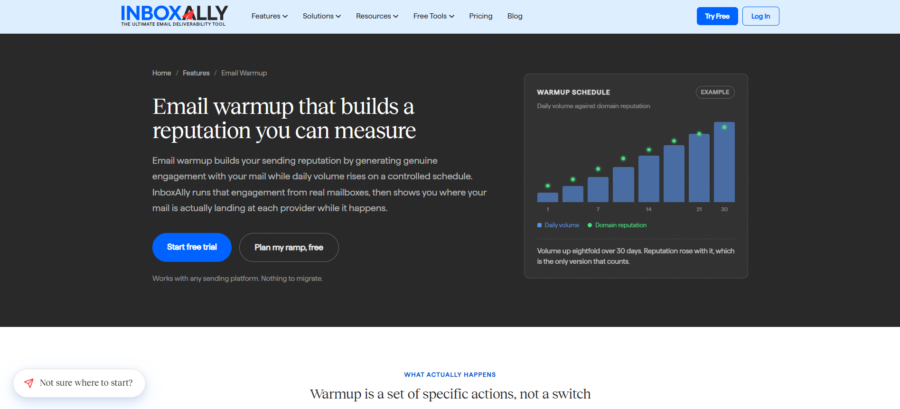
InboxAlly is seed-based. You add its seed addresses to real sends, and its US seed network opens them, replies and rescues them from spam. It never connects to your mailbox.
Key Email Warm-Up Features
- Adaptive Autowarmup, which runs the warm-up on AI auto-pilot
- Seed engagement on your real campaign emails, pulling them out of Spam and Promotions
- IA Score, which predicts inbox placement, and IA Reputation (low, medium or high)
- IA Assistant, an in-app AI with live account data
- Engagement profiles, multiple sender profiles and an adjustable engagement window
- Per-broadcast priming and broadcast auto-detect
- Placement testing by provider, live blacklist monitoring and DMARC reporting
Pros
- Works with any ESP or SMTP, without your credentials or DNS access
- A 10-day trial with no card
- Built for email marketing as well as cold email
Cons
- $149 a month for 100 seeds a day, on monthly billing only
- Network size not published
- Full repair takes 4 to 8 weeks by its own FAQ, longer than the trial
Pricing
- Starter: $149 a month, 100 seeds a day, 1 sender profile
- Plus: $645, 500 seeds a day, 5 profiles
- Premium: $1,190, 1,000 seeds a day, 10 profiles
Monthly billing only, and 50 profiles is a custom quote.
What Users Say
On Reddit:
- “Then if placement is really bad, InboxAlly.” (u/yousuf190, r/Coldemailing, Aug 2026)
- “it’s seed engagement on your live campaign emails which moves things with Google better than warmup networks.” (u/yousuf190, r/Coldemailing, Aug 2026)
- “It’s not cheap so idk if its out of your budget” (u/yousuf190, r/Coldemailing, Aug 2026)
On G2 and Trustpilot:
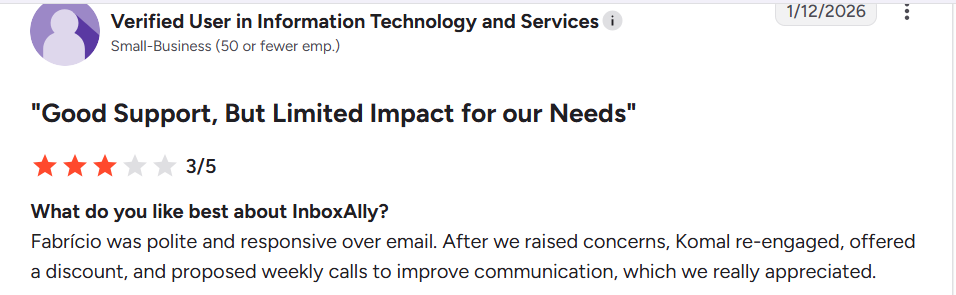
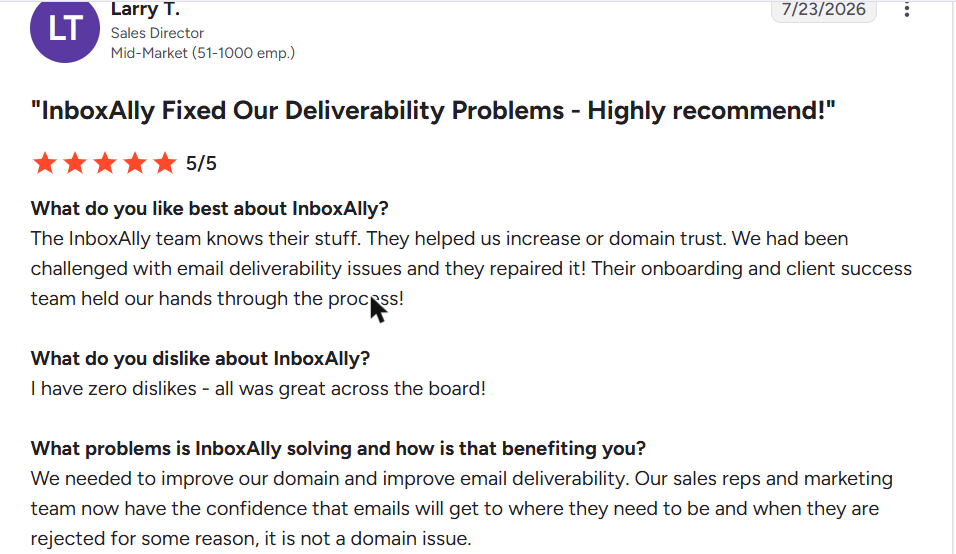
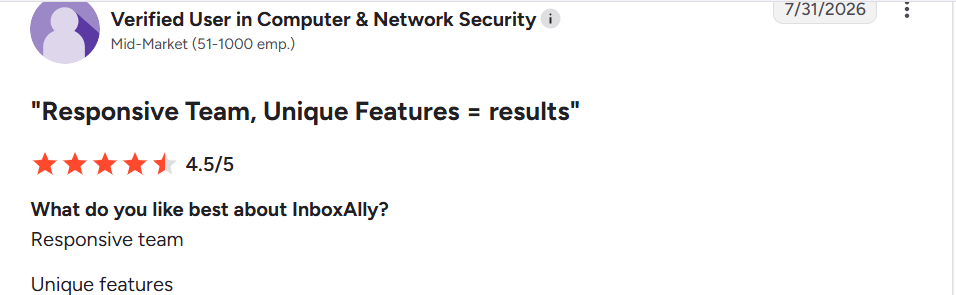

Select a review to read it in full on G2 or Trustpilot.
Best For
- Repairing a domain that already lands in spam
- Email marketers and cold emailers who can’t share mailbox credentials
Our Verdict
It works on live sends without mailbox access, which suits repair work. At $149 a month for one sender profile, it is overkill for routine warm-up. Reviews split on results, so use the 10-day trial to judge fit, not to finish a repair.
Plan for 4 to 8 weeks if your domain needs real recovery.
Also Read: InboxAlly reviewed and TrulyInbox vs InboxAlly.
Warm-Up Bundled With an Outreach Platform
The last three are not standalone email warm-up platforms. Allegrow is a verification platform, while Instantly and Smartlead are outreach platforms with warm-up built in.
13. Allegrow
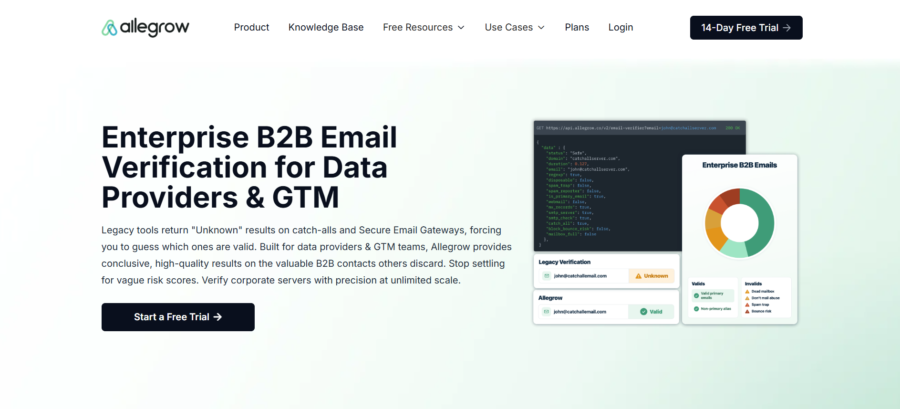
Allegrow is now mainly a B2B email verification platform. Warm-up comes as positive email interactions inside its $99 Starter plan. It connects Google Workspace and Office 365, or any mailbox over SMTP and IMAP.
Key Features
- Automated positive email interactions with real B2B inboxes
- Safety Net, which removes messages to high-risk contacts as they leave a rep’s outbox
- Hourly DKIM, SPF and DMARC checks
- Domain health and reputation tracking
- Spam rate analysis, a deliverability leaderboard and content A/B spam testing
- Catch-all email verification
Pros
- Verification and warm-up in one plan
- Connects Google Workspace and Office 365, or any mailbox over SMTP and IMAP
- Integrates with Outreach, Salesloft and HubSpot
Cons
- The free trial excludes mailbox connection, so you can’t try the warm-up free
- Each extra mailbox costs $40
- Test emails carry visible tags in the subject line, so you need an inbox filter
Pricing
- Starter: $99 a month with 1 mailbox and 5,000 verifications (billing period not stated)
- Extra mailboxes cost $40 each, so 10 cost $459
A 14-day trial with no card, but no mailbox connection.
What Users Say
On Reddit: We found no Reddit discussion of Allegrow in the last 12 months.
On G2:
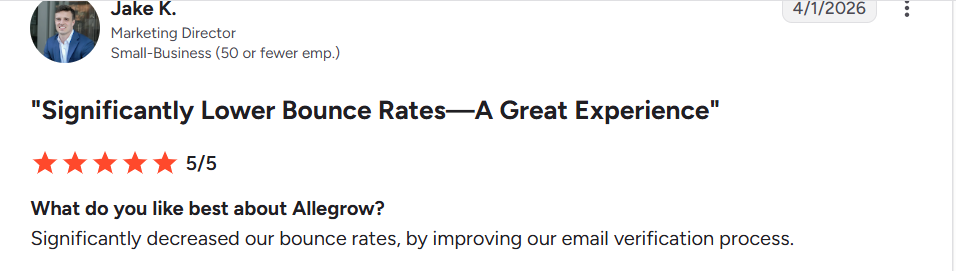
Select a review to read it in full on G2.
Best For
- B2B teams whose main problem is bounces, with warm-up as a bonus
- Sales teams on Outreach, Salesloft or HubSpot
Our Verdict
Verification and the Safety Net come first, and warm-up is the add-on.
As a warm-up tool it is costly: $459 a month at 10 inboxes. You can’t try the warm-up free, since the trial excludes mailbox connection. Choose it when bounces, not sender reputation, are your main problem.
14. Instantly
Instantly is a cold email platform with unlimited accounts and warm-up on every plan. Its warm-up pool has 1,000,000+ real accounts. Warm-up runs on any connected account, with no active campaign needed.
Key Features
- A 1,000,000+ account warm-up pool, in Standard, Basic, Premium and Private tiers
- Read emulation, which scrolls through warm-up emails like a human reader
- A slow ramp: 2 emails on day one, 4 on day two, 6 on day three
- A deliverability dashboard that shows inbox versus spam
- Inbox placement tests across Gmail, Outlook and Yahoo, with unlimited one-time tests on Growth
- Warm-up on any connected account, with no active campaign needed
Pros
- $37.60 a month (annual) covers 1, 10 or 50 inboxes, with outreach included
- Unlimited accounts from Google, Microsoft or any IMAP and SMTP provider
- A 14-day trial with no card
Cons
- Growth caps the standard pool at 100 SMTP accounts
- The Premium pool costs from $500 a month per workspace
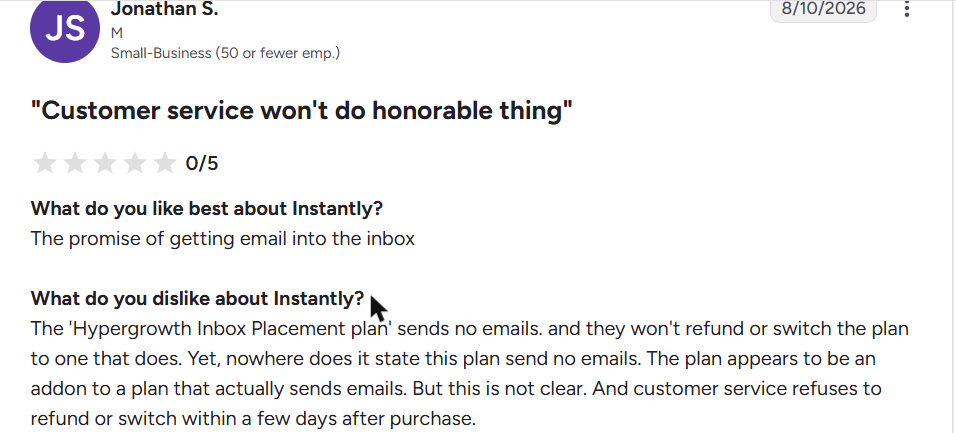
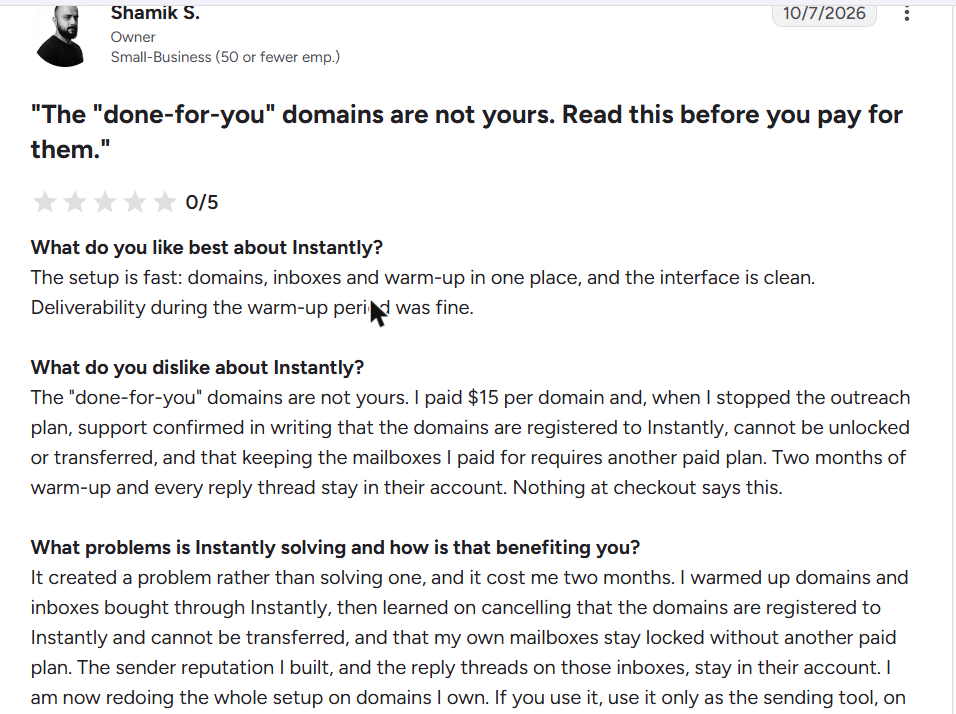
- Done-for-you domains stay registered to Instantly, according to a G2 reviewer
- No warm-up-only plan
Pricing
- Growth: $37.60 a month annual ($47 monthly)
- Hypergrowth: $77.60 ($97)
- Premium warm-up pool from $500 a month per workspace, and a Private pool from $1,000
A 14-day trial with 2 accounts, no card.
What Users Say
On Reddit:
- “Don’t use Instantly warm-ups, it doesn’t work, been going to spam consistently with it (5 warm-up emails/inboxes/day).” (u/Lifeonm_rs, r/Coldemailing, Sep 2026)
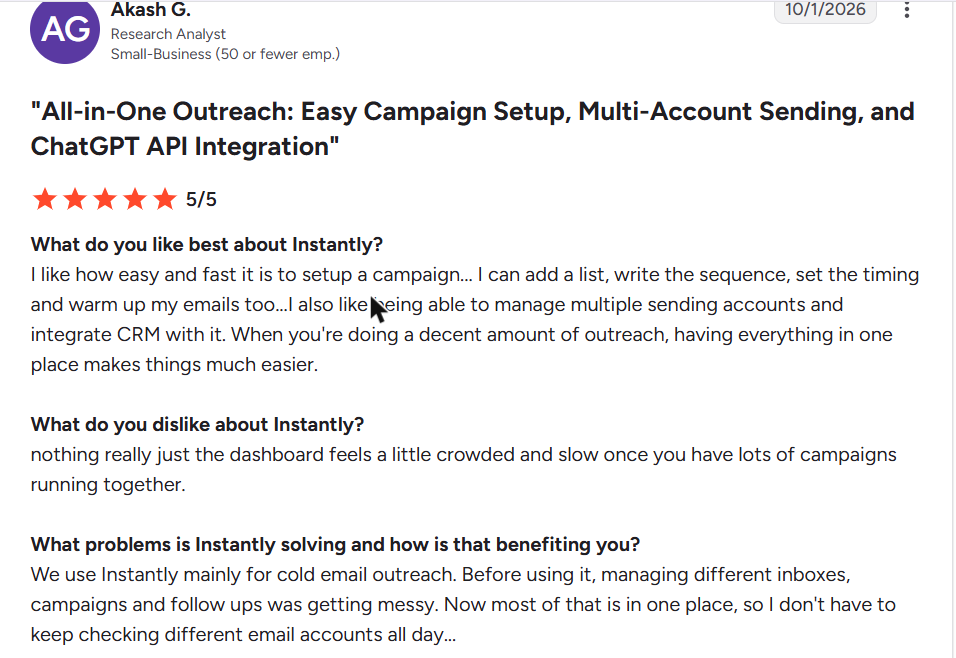
- “Instantly usually wins for warmup pool and day to day UX.” (u/leadg3njay, r/Coldemailing, Sep 2026)
- “Don’t trust Instantly’s own number, test independently.” (u/yousuf190, r/Coldemailing, Aug 2026)
On G2 and Trustpilot:
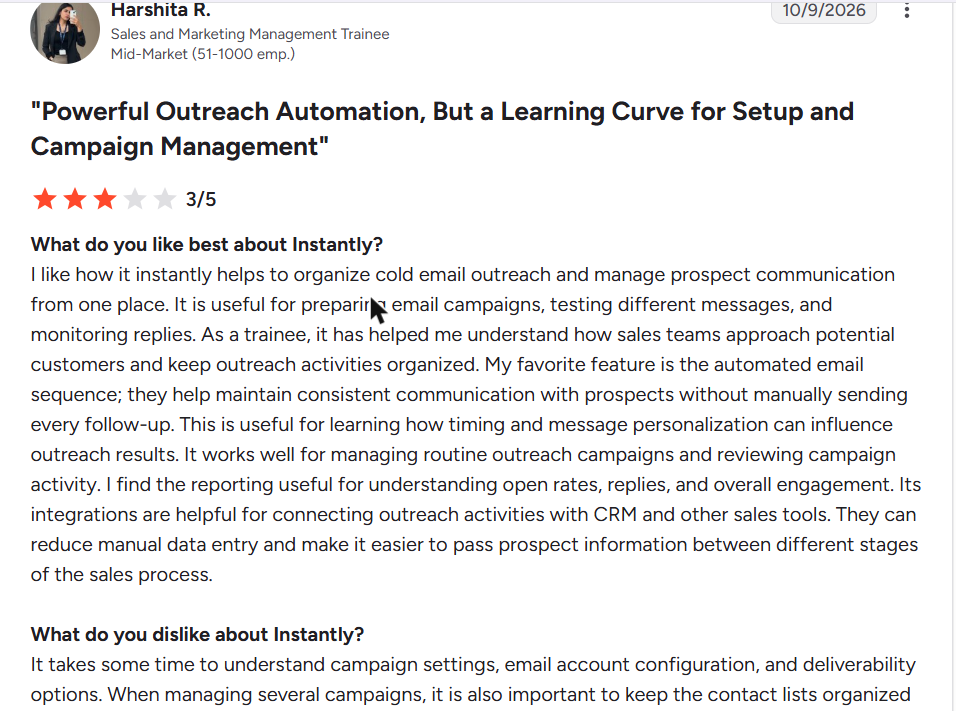
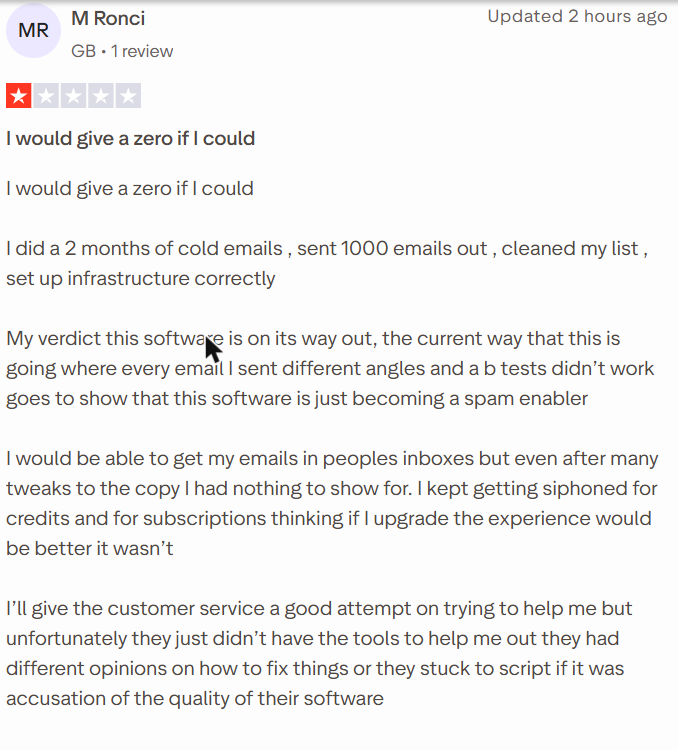
Select a review to read it in full on G2 or Trustpilot.
Best For
- Teams that send cold email from Instantly
- Senders who want warm-up and outreach on one bill
Our Verdict
Warm-up comes with every plan, so there is no reason to pay for it twice. Opinion on its pool is split on Reddit, so test placement independently. Buy domains you own rather than its done-for-you domains. Its Premium pool starts at $500 a month, more than most standalone tools cost.
15. Smartlead
Smartlead includes unlimited accounts and warm-up on every plan. Your warm-up pool depends on the plan, and its Ultra Premium pool is free for qualified users. Warm-up starts as soon as you connect a mailbox.
Key Features
- Warm-up pools by plan: Foundation, Growth and Premium, plus an Ultra Premium pool free for qualified users
- Auto-pause on bounce spikes, spam flags or invalid inboxes
- Reply-balancing limits that pause an inbox, then rejoin it automatically
- AI that sends, opens and replies to warm-up emails, and moves them out of spam
- Self-recovering pools and adaptive scaling
- Warm-up that starts as soon as you connect a mailbox
Pros
- $32.50 a month (annual) at any inbox count
- A 14-day trial with unlimited mailboxes and no card
- Warm-up emails don’t count toward your send limit
Cons
- Base warms in the entry Foundation pool
- Sometime warm-up gets a domain blacklisted
- Placement testing (SmartDelivery) is a paid add-on from $49 a month
Pricing
- Base: $32.50 a month annual ($39 monthly)
- Pro: $78.30 ($94)
- Unlimited Smart: $144.50 ($174)
SmartDelivery placement tests from $49 a month, and white-label at $29 per client workspace.
What Users Say
On Reddit:
- “The warm-up built into Smartlead is fine at this volume. You don’t need a separate tool.” (u/SchemaBoss, r/Coldemailing, Oct 2026). The volume was 20 to 30 emails a day.
- “the inbox placement by smartlead is very basic. run it via glockapps and then you’ll get the real picture” (u/SchniederDanes, r/Coldemailing, Sep 2026)
- “Smartlead is better for managing clients/workspaces, Instantly is a little simpler for solo use.” (u/leadg3njay, r/Coldemailing, Aug 2026)
- “Smartlead is buggy and kind of expensive as compared to above suggestions” (u/Iammnhamza, r/b2bmarketing, Feb 2026)
On G2 and Trustpilot:
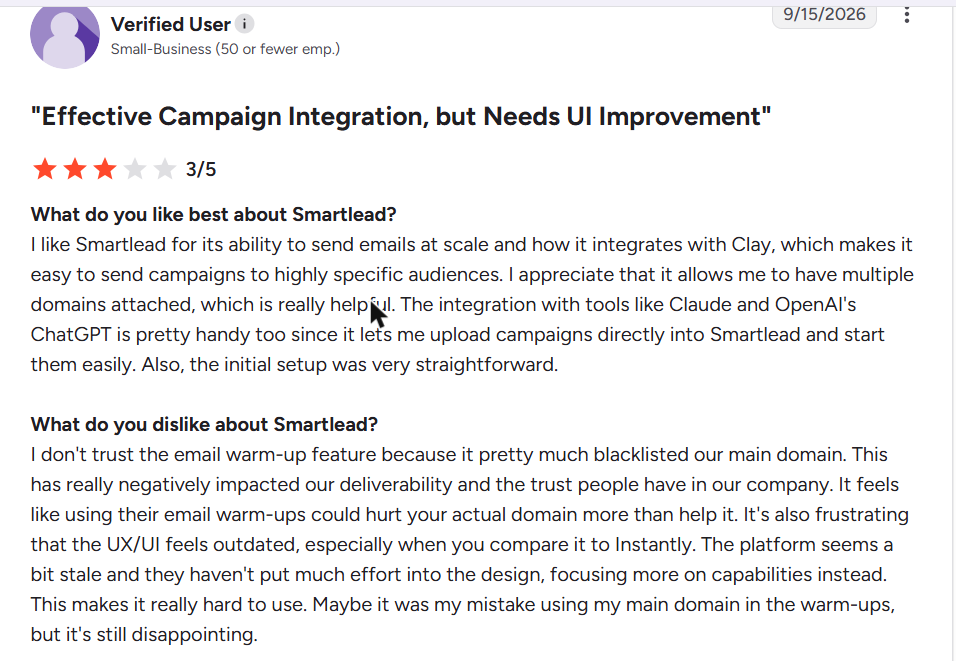
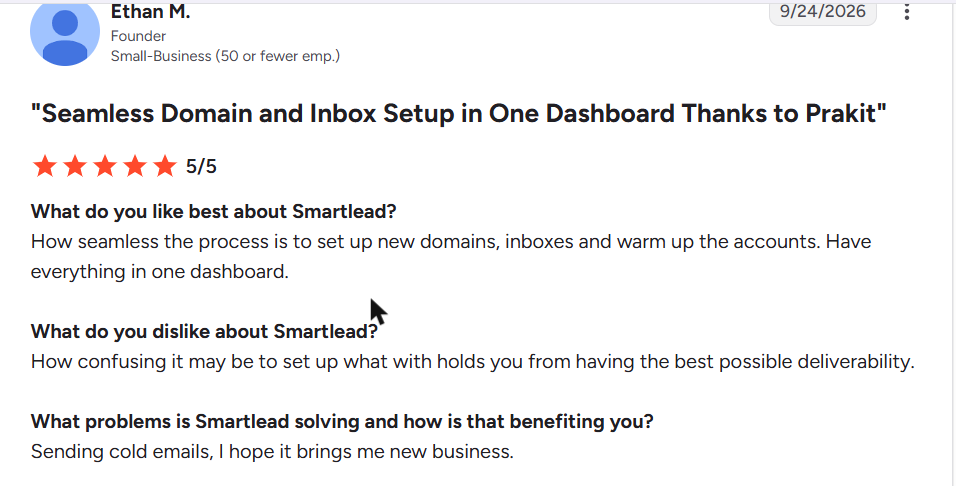
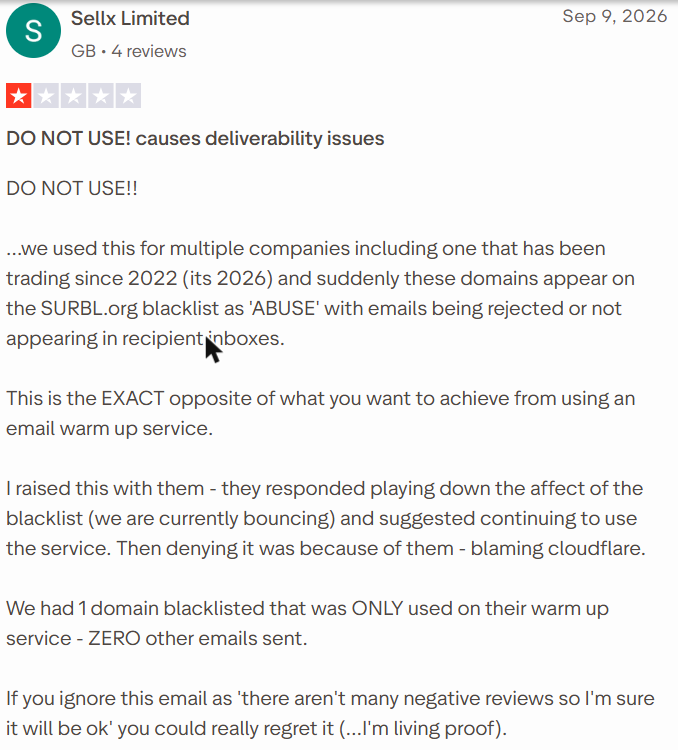
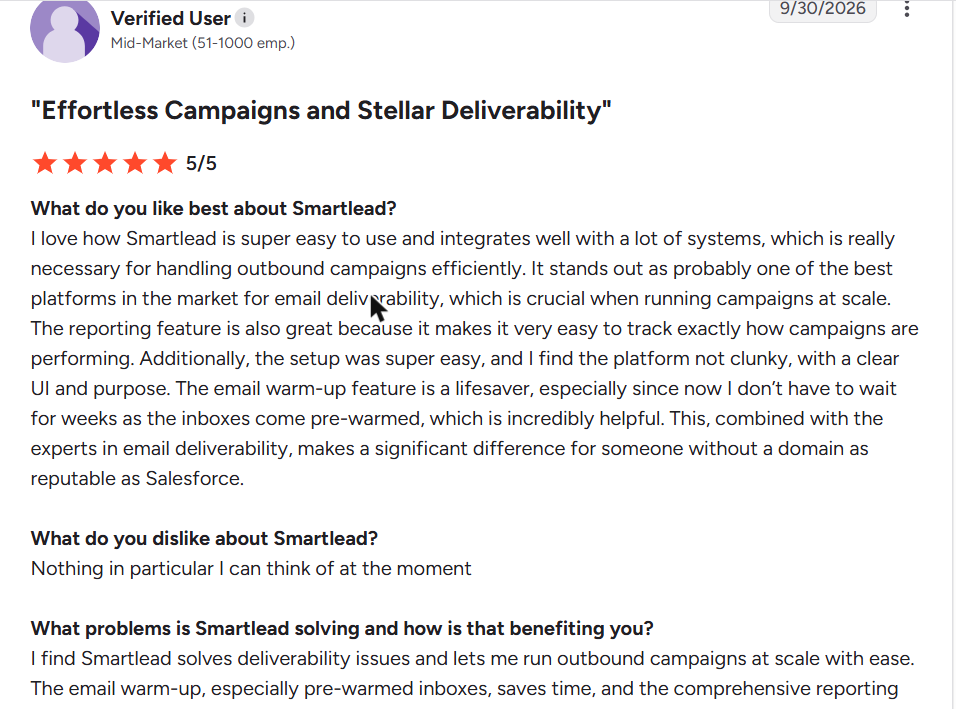
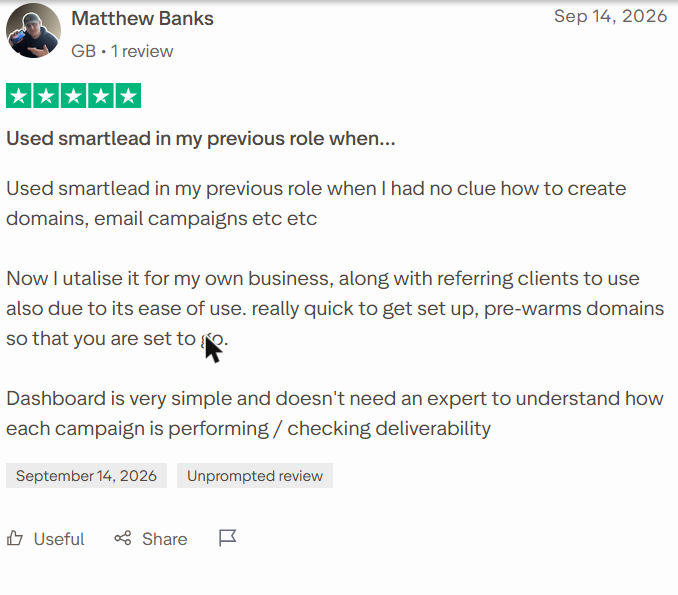
Select a review to read it in full on G2 or Trustpilot.
Best For
- Teams that send cold email from Smartlead
- Agencies managing many client workspaces
Our Verdict
Fine at a flat $32.50 a month, whatever your inbox count. Better warm-up pools come with higher plans. Two reviewers report a blacklisted domain, so keep your main business domain out.
Its built-in placement test is basic, so check with an independent seed test before you scale.
How We Tested These Email Warm-Up Tools
We scored every email warm-up tool on five criteria:
- Results: Inbox placement during warm-up, from our seed tests (test emails sent to monitored inboxes at each provider), checked against what reviewers report.
- Cost versus value: The monthly cost at 1, 10 and 50 inboxes, from each vendor’s live pricing page.
- Ease of setup: Time from signup to a running warm-up, and which providers connect.
- Scalability: Mailbox limits, and whether cost grows per inbox or per volume.
- Reporting: What the dashboard shows about placement, reputation and blacklists.
Reviews come from G2 and Trustpilot in the last 12 months, from business users only. We left out anything incentivized, vendor-invited or written by a partner.
Network sizes and placement figures are vendor claims we did not measure. Pricing verified 21 October 2026, re-checked quarterly.
Which Email Warm-Up Tool Should You Choose
| Your situation | Best fit | Why |
|---|---|---|
| One inbox, tight budget | Warmforge at $9, or the TrulyInbox free plan to evaluate | Per-slot pricing is the cheapest at one Google or Microsoft inbox |
| Agency, 50+ inboxes across client domains | TrulyInbox or Mailivery | Flat volume pricing means a new client doesn’t raise your cost |
| Already on Instantly or Smartlead | Their built-in warm-up | You already pay for it. Add a standalone tool only if placement slips |
| Recovering a damaged domain | InboxAlly or Folderly | Both are built for repair rather than ramp, and priced that way |
| Sending from Zoho, Yahoo, iCloud or SMTP | TrulyInbox, Warmup Inbox or Warmbox | Warmforge only warms Google and Microsoft |
| Already paying for a sales suite | Snov.io | Unlimited warm-up comes with Pro S |
Best Free Email Warmup Tools
Are any email warmup tools free? Five are, though free email warm-up comes with tight limits:
- TrulyInbox: Forever free, 1 account, 10 warm-up emails a day, no card
- Snov.io: A free plan that renews monthly, 1 slot at 15 emails a day
- Warmup Inbox: Freemium, unlimited inboxes, 15 warm-up emails a week
- Warmforge: One free slot for a Google or Microsoft mailbox
- Lemwarm: Free with a paid lemlist plan, but not in lemlist’s trial
For one inbox, Snov.io’s free plan sends the most, at 15 emails a day. TrulyInbox’s free plan works on any provider and needs no card.
Everything else is paid, though several offer trials. Ten emails a day is enough to evaluate a dashboard, not to warm a mailbox you plan to send from.
Choose the Best Email Warm-Up Tool and Land in Inboxes
Start with your inbox count, because it decides the price before any feature does. At 50 inboxes, a month on annual billing:
- TrulyInbox costs $169
- Warmup Inbox costs $375
- Folderly $2,800
Frequently Asked Questions
How Do I Choose the Best Email Warmup Tool?
Start with your mailbox count, because it decides the pricing model before any feature does. Under three mailboxes, per-inbox tools are usually cheaper. Above ten, flat-rate pricing wins. Then check provider support and network disclosure.
How Much Do Email Warm-Up Services Cost?
Entry prices run from $9 a month per slot to $149 a month per sender profile. At ten inboxes, the same fifteen tools range from $32.50 to $1,190 a month. The cost table above has the full breakdown.
What Is the Best Free Email Warmup Tool?
For one inbox, Snov.io’s free plan sends the most, at 15 warm-up emails a day. TrulyInbox’s forever-free plan sends 10 a day on any provider, with no card. Free volume lets you evaluate a product, not warm a mailbox.
How Long Before I Can Start Sending Cold Email?
Plan for three to four weeks of warm-up on Google Workspace, Microsoft 365 or Zoho. Watch inbox placement and bounce rate rather than counting days. Our guide has the full ramp schedule.
Can I Warm Up Unlimited Inboxes?
On flat-rate tools, yes. TrulyInbox and Mailivery allow unlimited mailboxes, as do Instantly and Smartlead. TrulyInbox and Mailivery share one daily volume, so each inbox gets less as you add more.
Do Email Warm-Up Tools Actually Work?
They do when engagement comes from real, active business mailboxes across real providers. A small or undisclosed pool does far less. That is why network size matters, and six of these fifteen tools don’t publish theirs.
Can a Warm-Up Tool Hurt Your Deliverability?
It can. A low-quality warm-up pool, or a sudden jump in volume, sends receivers the wrong signals.
Two Smartlead reviewers say its warm-up got a domain blacklisted, and a Reddit user blames Warmforge traffic for a flagged domain. Warm your cold-email domains, not your main business domain, and watch blacklists as you go.
Do I Need a Standalone Tool if My Outreach Platform Includes Warm-Up?
Usually not at first. Instantly, Smartlead and lemlist include warm-up with their plans, so start there. Add a standalone tool when placement slips, or when you warm mailboxes across several platforms.
Do Warm-Up Tools Work for Outlook and Microsoft 365?
Yes. Most tools on this list connect Microsoft 365, and Warmforge warms only Google and Microsoft mailboxes.
Microsoft is the harder case, though. One TrulyInbox user saw a Microsoft score of 83/100 while a seed test put every seed in Junk. Test real placement before you scale.
What Happens if I Stop Warm-Up After My Campaigns Start?
In our tests, senders who stopped warm-up and pushed volume saw Gmail spam placement within two weeks. Recovery took about four weeks on Google Workspace and six to eight on Microsoft 365. See what happens when you stop.
How Many Inboxes Do I Need for My Sending Volume?
Work backwards from your daily target. Most cold senders keep each mailbox well under 50 outbound emails a day, so 500 a day needs roughly ten mailboxes. The mailbox calculator does the arithmetic.