 Vatsal Shah
 “Promotional emails belong in the Promotions Tab, not your outreach emails or newsletters.”
If you’re sending something that brings value to your recipients, then it should land in the Primary Inbox.
That said, Gmail has tightened its algorithm a lot.
Now, even valuable emails get pushed into the Promotions tab.
So does that mean it’s the end for marketers and sales folk who depend on email outreach?
Not exactly!
After running multiple tests and analyzing deliverability patterns, I’ve found how to effectively avoid the Promotions Tab and make sure my emails land in the Primary Inbox.
In this blog, I’ll share 11 best practices that helped me achieve higher inbox placement and better engagement.
Jump in and find out!
Avoid Gmail Promotions Tab – TOC
What Is Gmail’s Promotions Tab?
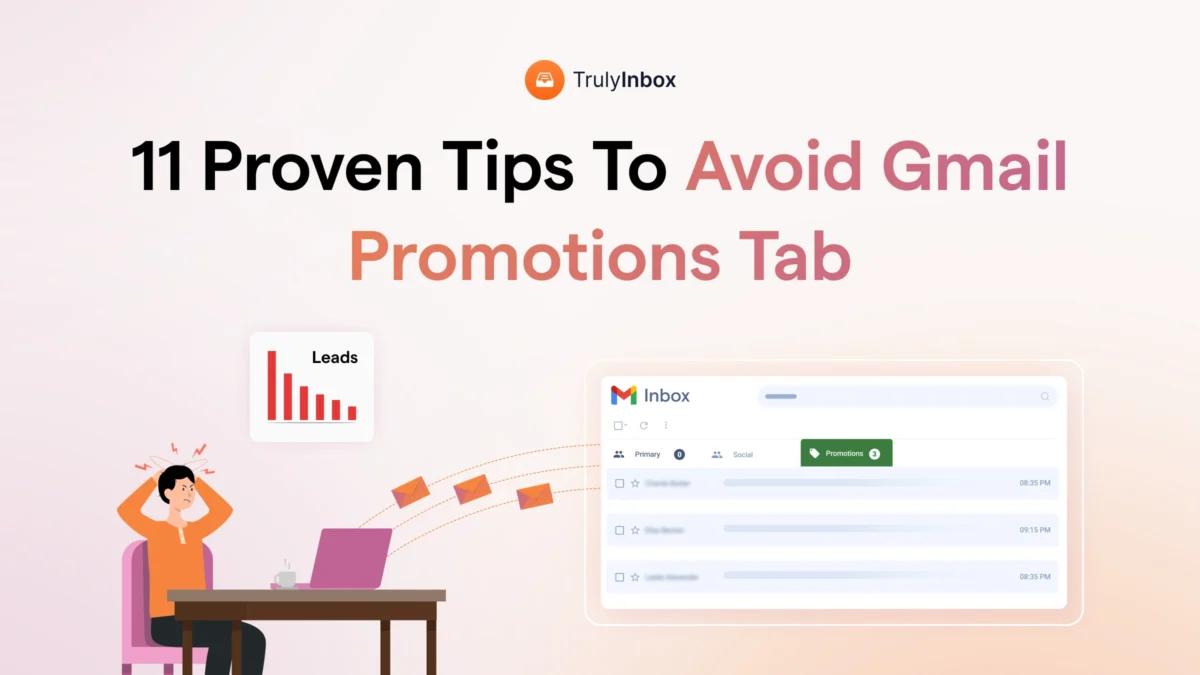
The Promotions Tab is an inbox category where you will find marketing emails, newsletters, and promotional content.

Gmail’s algorithm automatically filters these emails and places them in this tab to keep the Primary Inbox clutter-free.
The downside: Most people rarely check emails in their Promotions Tab, so you’re outreach emails are less likely to be seen and engaged with.
This is why you should make sure your emails avoid the Promotions Tab at all costs!
How to Avoid Gmail Promotions Tab (11 Setup and Sending Tips)
There is no magic formula or hack to bypass Gmail’s Promotions Tab!
From my experiments, I found that by following basic outreach best practices, you can make sure your emails make it to the Primary Inbox Tab.
Here are 11 things you should follow:
- Avoid Using Personal Email Addresses
- Authenticate Your Domain (SPF, DKIM, and DMARC)
- Warm-Up Your Email Accounts and Domains
- Personalize Your Emails
- Avoid Promotional And Spammy Language
- Send Simple Plain Text Emails
- Keep Links and Images to a Minimum
- Avoid Email Blasts and Inconsistent Sending Behavior
- Ask Your Subscribers to Move Your Emails to Primary Inbox
- Use a Dedicated or High-Trust Sending IP
- Monitor Inbox Placement Regularly
1. Avoid Using Personal Email Addresses to Send Emails
Personal email accounts (e.g., abc@gmail.com, xyz@yahoo.com, etc.) are not meant for sending outreach emails.
Gmail’s algorithm will immediately flag emails from such accounts as suspicious, and you’ll likely end up in the Promotions Tab or, even worse, the Spam Folder.
The right approach is to use a custom email address related to your business domain.
Gmail and other Email Service Providers (ESPs) trust business emails a bit more than personal emails to send bulk emails.
2. Authenticate Your Domain (SPF, DKIM, DMARC)
Trust plays a significant role in determining where your emails end up.
To increase your trust with Gmail, you need to prove that you are a legitimate sender with no malicious intent.
The first step in building that trust is authenticating your domain with key email security protocols:
- SPF – Sender Policy Framework
- DKIM – DomainKeys Identified Mail
- DMARC – Domain-based Message Authentication, Reporting & Conformance
If you want to know more, you can check my detailed blog on what and how to set up your SPF, DKIM, and DMARC records.
3. Warm-up Your Email Accounts and Domains
A common mistake many make is blasting emails as soon as they get their email accounts set up.
This is a sure short way to get flagged by Gmail and even get blacklisted.
What you should be doing instead is gradually warming up your email accounts by sending a small number of emails and increasing the volume over time.
This will help you slowly build trust with Gmail and keep you out of the Promotions or Spam folders.
Read More: Email Warm-Up 101: What It Is? Why It Matters and More!
4. Personalize Your Emails
Promotional emails are designed to be sent to multiple recipients at once, so they often lack personalization.
So, if you send emails that are tailored to your recipients, you can easily bypass Gmail’s filters and make it to the Inbox.
Moreover, personalized emails also have a higher chance of getting engaged with, as your recipients are more likely to find them relevant and valuable.
5. Avoid Promotional And Spammy Language
Another giveaway of a promotional email is the language used.
Gmail’s algorithm can spot words or phrases that sound overly promotional and flag them accordingly.
So, avoid using words like:
- Free
- Limited time offer
- Guaranteed
- Buy now, etc.
So, keep your language conversational and focused on providing value, rather than pushing a sale, to keep away from landing in the Promotions tab.
6. Send Simple Plain Text Emails
You might think making your emails look flashy with emojis or HTML designs will grab the attention of your recipients.
It does work, but at the same time, it also attracts Gmail filters.
If you’re sending to a list of people who have opted in to receive your emails, it’s okay to add some design.
But if you’re sending cold emails, it’s best to stick to plain text.
Plain text emails are more likely to bypass Gmail’s promotional filters and land in the Primary Inbox.
7. Keep Links and Images to a Minimum
Spammers and phishers often use excessive links and images to trick people into clicking on malicious content, so Gmail’s algorithm is constantly scanning for emails with too many links, images, and attachments.
To avoid being flagged, keep links and images to a minimum.
And if you’re sending cold emails, I recommend avoiding the use of links and images in your emails.
8. Avoid Email Blasts and Inconsistent Sending Behavior
You should avoid email blasts (sending a large volume of emails in a short time) as it triggers Gmail’s filters that you are doing something suspicious.
The best approach is to send a consistent volume of emails over time.
For example, start with a small number and gradually increase your sending volume as your reputation builds.
Best Practice Tip: If you’re sending cold emails, it’s recommended not to exceed sending more than 50 emails a day per email account.
9. Ask Your Subscribers to Move Your Emails to Primary Inbox
The best way to quickly gain the trust of Gmail is for your recipients to engage with your emails.
If you’re running a newsletter or any opt-in campaign, encourage your subscribers to move your emails to the Primary Inbox and mark them as important.
This tells Gmail that your emails are relevant and should be delivered to the Primary Inbox in the future.
Pro Tip: Simply ask your subscribers to move your email to Primary Inbox when they sign up for the first time..
10. Use a Dedicated or High-Trust Sending IP
When you purchase email accounts, you will most likely be assigned a shared IP by your email provider.
The problem with shared IPs is that your email reputation is tied to other users.
If someone else on the same IP gets flagged for sending spam, your emails could end up in the Promotions Tab or Spam folder, even if you’re sending legitimate content.
So, get a dedicated IP if you will be sending large volumes of emails.
11. Monitor Inbox Placement Regularly
You can actually test where your outreach emails will land before starting your campaigns.
By using inbox placement tools, you can see exactly where your emails will land across different ESPs — whether it’s Primary, Promotions, Spam, or Other.
This way, you will be able to optimize your emails or other key factors to improve deliverability before you hit send.
I also recommend running placement tests from time to time to keep an eye on your inbox placement and make adjustments as needed.
How to Know If Your Emails Are Going to the Promotions Tab
There is only one way to know for sure if your emails are landing in the Promotions tab: Run an inbox placement test.
Of course, you can measure open rate to give you an idea if your emails are making it to the Primary Inbox, but it’s not always reliable.
Some ESPs preload emails, which can give you falsified data. Plus, you might get flagged for tracking open rates.
So, the safest and reliable option is using a good inbox placement tool that covers multiple personal email service providers.
Avoid the Promotions Tab and Land in Inboxes
I have tested each of these 11 tips and best practices in my campaigns, and they have proven effective in helping me avoid Gmail’s Promotions tab.
You should also follow them if you want your email campaigns to be successful.
Here’s a quick recap:
- Use a custom business email rather than a personal Gmail address
- Authenticate your domain (SPF, DKIM, DMARC)
- Warm up your email accounts and domains gradually
- Personalize your emails to increase engagement
- Avoid promotional language and overused sales terms
- Keep emails simple and avoid too many links and images
- Avoid email blasts and maintain consistent sending behavior
- Encourage subscribers to move your emails to Primary
- Use a dedicated or high-trust sending domain
- Regularly monitor inbox placement to track your performance
How to Avoid Gmail Promotions Tab FAQs
1. Why are my emails going to the Gmail Promotions tab instead of Primary?
If you’re emails are landing in the Promotions tab, it’s most likely because Gmail’s algorithm thinks that you are sending promotional content to your recipients.
2. Do warm-up tools actually help avoid the Promotions tab?
Yes, email warm-up tools can help you avoid Gmail’s Promotions tab if you have a new account or if your existing account has a damaged sender reputation. They will help build your sender reputation (trust) with Gmail’s (and other ESPs) filters and get your emails back to the inbox.
But remember, warm-up tools are only one part of the strategy. Other best practices, like authenticating your domains and avoiding spammy language, are equally important.
3. How do I test if my email is going to the Promotions or Primary tab?
You can use inbox placement test tools to check exactly where your emails will land in the inbox. I suggest you look for a tool that lets you test placement for multiple personal email providers like Gmail, Yahoo, Outlook, AOL, Zoho Mail, etc.
4. Can a high open rate move my emails from Promotions to Primary?
Probably not, because Gmail considers several factors to determine if your email should be placed in the Promotions tab. So, just having a high open rate will not cut it.
5. Does using email marketing platforms like Mailchimp or ConvertKit affect Gmail placement?
If you have set up everything properly, like a custom domain for your tracking needs, personalization, email sending limits, etc., you will be fine