 Vatsal Shah
 “I sent this email 2 days ago, and I still have not received a reply!
Have they even read it?”
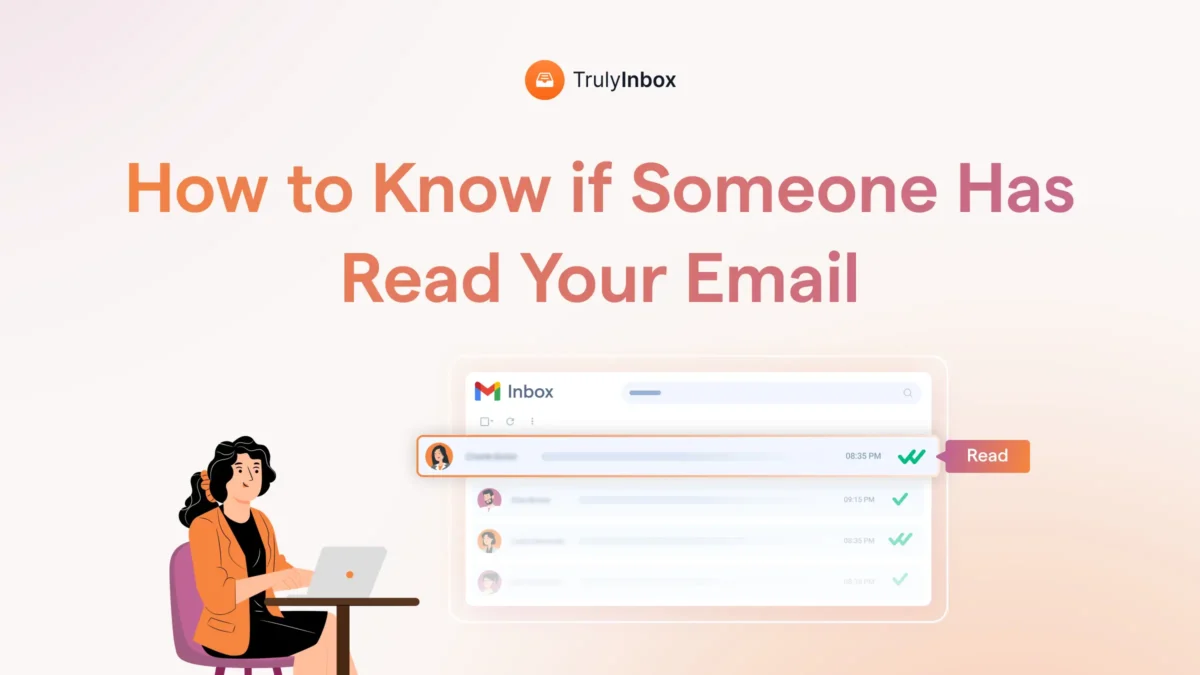
If this sounds familiar and you are looking for ways to know if someone has read your email, you are in the right place!
I have also gone through the same thing
and so do many others.
In this blog, I will share simple ways you can see whether your recipients have read your email or not.
Plus, I will also share other signals you can rely on when tracking does not work.
Keep reading!
Know if Your Email Has Been Read – TOC
Quick Summary
Short on time.
Here is a TL;DR:
To know if someone has read your email:
- You can turn on the “Read Receipts” option in Gmail, Outlook, or any other client that supports it.
- Read Receipts are available for work or school accounts, not for personal Gmail (@gmail.com) accounts.
- You can also use third-party tracking tools that show opens, clicks, and device activity. This works irrespective of your email client.
Shortcomings:
- Read Receipts requests can be ignored by your recipients.
- Does not work if your recipient’s email client does not support such a feature. (Apple Mail privacy)
- The Read status cannot be trusted, as many people select all unread emails and mark them as read. This makes the signal unreliable at times.
- Third-party tools use a tracking pixel to monitor opens, clicks, etc. Email spam filters treat it as something malicious. This can lead to you getting blocked or being marked as a spammer.
Alternatives to Read and Open Tracking:
- If your recipients are not responding, send them a polite follow-up email to remind them. Sometimes people miss emails or forget to reply.
- Try to reach them through other channels if the matter is urgent.
A short message on chat or a quick call can help you confirm if they saw your email.
Want the detailed methods and clear steps?
Then keep reading!
How to Know if Your Email Has Been Read if You Are Using Gmail
Gmail offers a native feature (Read Receipt) that you can use to know if someone has read your email.
But this is only available for work or school accounts and not for personal accounts (@gmail.com).
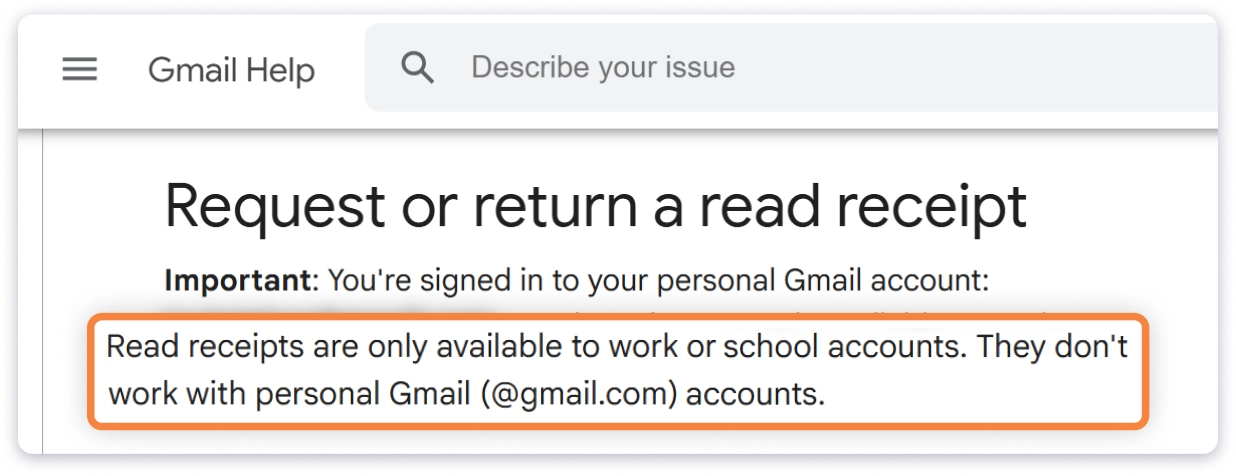
If you are using a school or work account, you will have to ask your administrator to enable this feature.
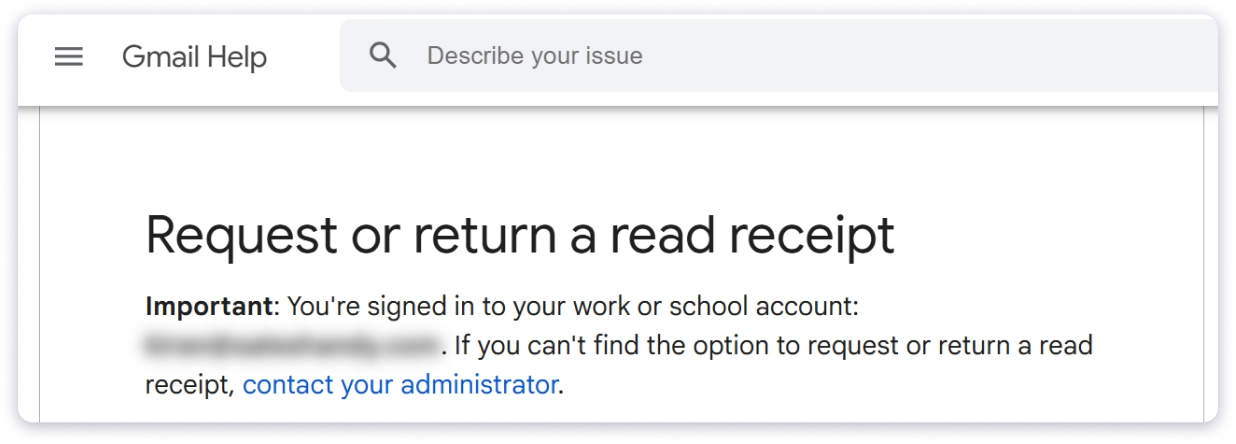
Once it is enabled, you can follow these steps to request a Read Receipt in Gmail.
- Open Gmail and click Compose.
- Compose your email
- Click the three dots in the bottom right corner of the compose window and select “Request read receipt”.
- Send your email.
Simple as that!
Now, when you send an email, Gmail will request your recipients to confirm they opened it.
And this is where the drawback comes in.
- First, your recipients can choose to ignore that request.
- Next, if their email client or administrator blocks Read Receipts, the prompt will not appear for them at all.
- And finally, if they select all unread emails and mark them as read, the status you get will not reflect a real view.
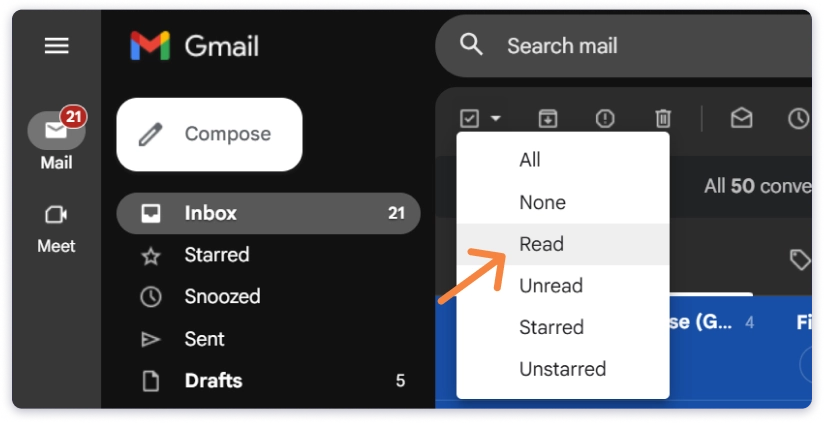
There is no way to overcome this.
These limits are built into how Gmail handles Read Receipts.
Now, let me show you how this works in Outlook.
How to Know if Your Email Has Been Read if You Are Using Outlook
Outlook also has a Read Receipt feature like Gmail, and it is accessible to both professional (@domain.com) and personal (@outlook) accounts.
If you are using the new Outlook on Windows or Outlook on the Web (https://outlook.live.com/), then follow this:
- Click on New Mail
- Click on the Options tab on the ribbon.
- You will find Request read receipt.
- Enable it
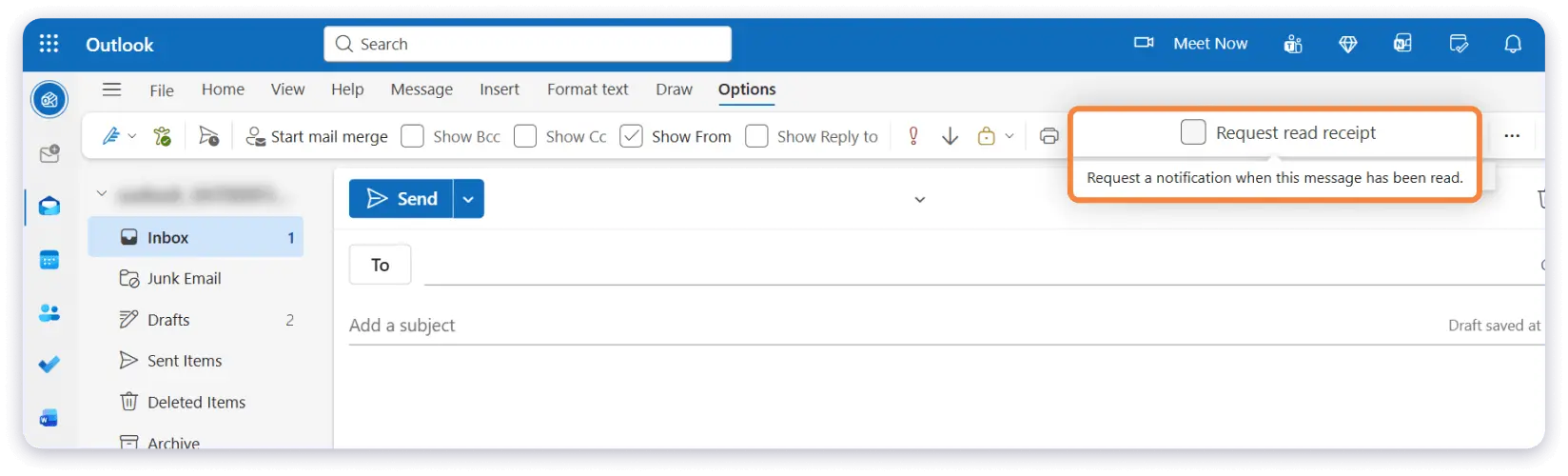
It is very simple, but it has the same drawbacks I explained in the Gmail section!
- Your recipients can ignore the request.
- Their email client can block it.
- Their administrator can turn it off for their entire organisation.
- And if they mark everything as read without opening the message, you will still not know whether they actually viewed it.
There is a way to overcome these drawbacks, which is where the next method comes in.
Using Third-Party Tools
This method cannot tell if your recipient has actually read your message, but it can confirm if they have opened it.
That too, without asking them to accept anything.
These email tracking tools or extensions work by adding a very tiny 1×1 pixel inside your email.
This pixel is invisible to the reader and loads the moment the email opens on their screen.
When it loads, the tool records an open.
If your recipient clicks any link, the tool records that too.
Although this method does not need confirmation from your recipient, it still faces a few limitations.
Tracking pixels are seen as malicious code by email spam filters.
Using them can get you flagged if the filter thinks your message looks risky.
Also, some email clients will block the code completely.
When that happens, the pixel will never load, and you will not see an open, even if the recipient viewed the email.
Things to Keep in Mind Before You Try Tracking Opens or Reads
Be it “Read Receipts” or “Open Tracking”, both methods come with limits you should know.
They look simple, but the signals you get are not always accurate.
- Privacy settings can hide opens.
- Some email clients block images.
- Some scanners trigger false activity.
And none of these methods can confirm if someone actually read your message.
So, going back to the question that brought you here
“Have my recipients actually read my email”
The honest answer is – You can see reads or opens, but you cannot know for sure if they fully read the message.
If there is nothing to rely on, what should you do next?
Keep reading to know!
Alternative to Tracking Email Opens and Reads
As tracking reads and opens is not reliable, the next best options available are:
1. Send a Follow-Up Email
Your recipients may have missed your email or they may have planned to reply later and forgotten.
A simple follow-up can bring the conversation back.
2. Find Another Way to Reach Them
If the message is important, try another channel like chat, a quick call, or a short note on your work platform.
These are the direct touches that I rely on instead of opens and clicks.
And it works no matter who you are emailing.
Be it internal communication, business communication, or cold email outreach.
FAQs
1. Can You Tell if an Email Has Been Read Without a Read Receipt in Gmail, Outlook, or Any Other Email Client?
No, you cannot know for sure.
You may see opens through tracking tools, but you cannot confirm that the message was actually read.
Read Receipts and tracking both have limits.
2. Is Email Open Tracking the Same As Tracking if an Email Was Actually Read?
No, they are not the same.
An open only means the email is loaded on the screen.
It does not confirm whether the person read your content or paid attention to it.
3. Is Email Open Tracking Better Than Tracking Reads?
Yes, in most cases it is better because it does not depend on your recipients accepting anything.
But opens still do not confirm that your email was fully read.
4. Can I Find Out How Long Someone Viewed or Stayed on My Email?
No, you cannot.
Email tools cannot measure reading time.
They can show opens or clicks, but not the amount of attention given.
5. Is There a Secret Way to Check if an Email Was Read Without the Person Knowing?
No, there is no hidden method.
All tracking depends on pixels or clicks, and none of them can guarantee a true read.
6. Can I Track Emails Without Adding a Pixel or Link?
No, you cannot.
Tracking needs a pixel or a link.
Without them, there is no way to record any activity.