
Most Woodpecker reviews are either raw rating dumps or competitor blogs pushing their own tool.
Neither helps you decide.
I reviewed 100+ user ratings across G2, Trustpilot, and Capterra. I also tested the platform and broke down Woodpecker’s actual pricing math.
Woodpecker is a cold email sequencing tool with built-in warm-up, verification, and deliverability features.
In this review, I cover what it costs at scale, where it excels, and where users report real friction.
Woodpecker Review: TOC
- TL;DR – Woodpecker in 60 Seconds
- What Woodpecker Actually Is?
- Woodpecker’s Pricing Breakdown
- Where Woodpecker Genuinely Excels?
- Where Woodpecker Falls Short?
- Woodpecker’s Key Features – What Matters and What Doesn’t?
- What Real Users Say About Woodpecker?
- Who is Woodpecker Is Built For?
- Who Should Look Elsewhere?
- Woodpecker vs. The Competition
- FAQs About Woodpecker
TL;DR – Woodpecker in 60 Seconds
Woodpecker is a solid cold email tool built for B2B outbound teams and lead gen agencies.
B2B sales teams, SDRs, and cold email agencies needing a reliable sending engine with strong deliverability.
Teams needing a full sales engagement suite, CRM, or lead database in one tool.
The sequencing UX is minimalistic, most users find it easy to use and navigate.
The pricing model is unusual:
You pay per “contacted prospects” per month, not per email or per seat.
Every plan includes unlimited team members and email accounts.
That model rewards teams with many senders and predictable volume. It punishes teams running variable campaigns or testing multiple audiences frequently.
Here’s the cost snapshot:
- Starter: $24/mo for 500 prospects
- Growth: $126/mo for 10,000 prospects
- Scale: $903/mo for 100,000 prospects
- Max: $6,666/mo for unlimited everything
Warm-up is included free. But it’s powered by Mailivery, a third-party service.
Some users report transparency issues with what emails get sent from their accounts.
Review scores tell a split story:
- G2: 4.1/5 from 100+ reviews
- Trustpilot: 3.0/5 from 24 reviews (59% are 1-star, mostly billing and cancellation complaints)
- Capterra: 4.5/5 from 33 reviews
What Woodpecker Actually Is? (and What It Isn’t)
Woodpecker is a cold email automation tool.
It was founded in Wrocław, Poland, and has focused on cold email outreach since day one.
What Woodpecker Does
→Cold email sequences with automated follow-ups
→A/B testing up to 5 variants per step
→Inbox rotation across unlimited email accounts
→Email verification through Bouncer (included free)
→Warm-up through Mailivery (included free)
→Condition-based campaigns that branch by engagement
→Centralized inbox for managing replies
What Woodpecker Does Not Do
→It’s not a CRM
→It’s not a lead database (Lead Finder exists but it’s a light add-on, not a core product)
→It’s not a full sales engagement platform (LinkedIn automation is a recent add-on, not deeply integrated)
An agency panel is available for managing multiple client accounts. It costs extra, which I’ll cover in pricing.
- If you need cold email done well with minimal setup, keep reading.
- If you need lead sourcing, multichannel, and CRM in one tool, this might not be your fit.
Woodpecker’s Pricing Breakdown
Woodpecker uses a “contacted prospects” pricing model. You’re charged based on how many new prospects you add to campaigns each billing cycle.
Follow-ups to existing prospects don’t count toward your limit.
This is different from per-seat or per-email pricing most tools use.
Plan-by-Plan Breakdown
All prices below are annual billing. Monthly billing runs roughly 50% higher.
Starter: $24/mo
- 500 contacted prospects
- 6,000 emails per month
- 2,000 stored prospects
- 2 free warm-up slots
Best for solo operators or freelancers testing cold email at low volume.
Growth: $126/mo
- 10,000 contacted prospects
- 120,000 emails per month
- 40,000 stored prospects
- 20 free warm-up slots
Best for scaling SDR teams running consistent outbound campaigns.
Scale: $903/mo
- 100,000 contacted prospects
- 1.2 million emails per month
- 400,000 stored prospects
- 135 free warm-up slots
Best for agencies and high-volume outbound operations.
Max: $6,666/mo
- Unlimited everything
Built for enterprise teams with massive sending infrastructure.
Every plan includes unlimited team members, unlimited email accounts, catch-all verification via Bouncer, and 400 Lead Finder credits.
Last verified: March 2026 from woodpecker.co/pricing
The Add-Ons That Change the Math
The base plan price is only part of the story. Add-ons stack up quickly.
- LinkedIn automation: $29/mo per LinkedIn account
- Integrations (API, HubSpot, Pipedrive): $20/mo
- Agency panel: $27/mo per active client
- Extra warm-up slots: $5/mo per inbox
- Dedicated servers: $59/mo per server
- White-label reporting: $5/mo per client
Here’s a real scenario. An agency on the Growth plan with 5 clients, 10 LinkedIn accounts, and integrations enabled.
- Base plan: $126/mo
- Agency panel (5 clients): $135/mo
- LinkedIn automation (10 accounts): $290/mo
- Integrations: $20/mo
- Total: $571/mo
That’s $445/mo in add-ons alone. The $126 base price doesn’t tell the full story for most real use cases.
How Woodpecker’s Pricing Compares?
Most cold email tools use per-seat or per-email pricing. Woodpecker’s per-prospect model is different.
It rewards teams with many senders but controlled prospect volume.
If you have 10 people sending to the same 5,000 prospects monthly, you only pay for 5,000 contacts.
It punishes variable campaigns. Hit your contacted prospect ceiling mid-month, and campaigns stop sending to new people. You either wait for the next billing cycle or upgrade.
This isn’t good or bad. It’s a trade-off. Know your volume patterns before committing.
Where Woodpecker Genuinely Excels?
- Cold Email Sequencing UX
- Deliverability
- Unlimited Email Accounts and Team Members
- Agency Architecture
- Condition-Based Campaigns
1. Cold Email Sequencing UX
Woodpecker’s sequencing interface is fast and clean. Campaign setup takes minutes, not hours.
Multiple G2 reviewers cite ease of use as the top reason they chose Woodpecker.
The learning curve is minimal compared to feature-heavy competitors.
2. Deliverability
This is where Woodpecker earns its reputation. The sending engine is well-engineered for inbox placement.
Adaptive sending adjusts speed based on email provider limits. Bounce shield prevents you from exceeding those limits.
ESP matching routes emails through matching providers for better deliverability.
Catch-all verification through Bouncer comes included free.
That’s genuinely rare. Most competitors charge extra or don’t offer it at all.
3. Unlimited Email Accounts and Team Members
Every Woodpecker plan includes unlimited email accounts and unlimited team members.
No per-seat charges. No account caps.
This is unusual in the cold email space. Most competitors charge per seat or limit accounts by plan tier.
For teams with many senders, this saves real money.
4. Agency Architecture
The multi-client agency panel is well designed. One-click switching between client accounts.
Independent data per client. Centralized management from a single dashboard.
If cold email is your agency’s core service, Woodpecker’s architecture fits the workflow.
It’s purpose-built for managing multiple client campaigns.
The Catch: You are charged $27/month per active client
5. Condition-Based Campaigns
Woodpecker lets you branch follow-ups based on prospect engagement.
Opened but didn’t reply?
Different follow-up. Clicked a link? Different path.
This is more flexible than basic linear sequences most tools offer. It lets you run smarter campaigns without building complex workarounds.
Where Woodpecker Falls Short?
- The Pricing Model Punishes Variable Campaigns
- Add-On Costs Erode the Base Price
- Limited Native Integrations
- Not a Full Sales Engagement Platform
1. The Pricing Model Punishes Variable Campaigns
If your prospect volume fluctuates, the contacted prospects ceiling becomes a problem.
Hit the limit mid-month, and campaigns stop reaching new people.
You either wait for the next billing cycle or upgrade your plan.
For teams testing multiple audiences or running seasonal campaigns, this creates friction.
2. Add-On Costs Erode the Base Price
The $24/mo Starter plan looks affordable. Until you add what most teams actually need.
LinkedIn automation ($29/account), integrations ($20), and agency clients ($27 each) stack fast.
A realistic setup often costs 3x to 5x the advertised base price.
3. Limited Native Integrations
Woodpecker integrates with HubSpot, Pipedrive, Calendly, and Google Sheets natively. API and webhooks are available.
A Clay integration was recently added.
But integrations require the $20/mo add-on.
Some G2 users report issues with Zoho CRM and HubSpot specifically. There’s no native Salesforce integration.
Compared to platforms like Saleshandy or Instantly, the integration ecosystem is thin.
4. Not a Full Sales Engagement Platform
Woodpecker doesn’t include a built-in lead database. Lead Finder exists but it’s basic. LinkedIn automation is a new add-on, not a mature feature.
There’s no phone dialer. No visitor identification. If you need all-in-one outreach capability, you’ll need to stack multiple tools alongside Woodpecker.
Woodpecker’s Key Features – What Matters and What Doesn’t?
I’m organizing this by impact on your cold email results.
Not by Woodpecker’s marketing hierarchy.
- Cold Email Sequencing and Follow-Ups
- Deliverability Features (Warm-Up, Verification, Adaptive Sending)
- Inbox Rotation and Sending Behavior
- Analytics and Reporting
- Agency Features
- Integrations and Ecosystem
- LinkedIn Automation
Cold Email Sequencing and Follow-Ups
This is Woodpecker’s core product. You create email sequences with up to 7 follow-ups per campaign.
Condition-based campaigns let you branch follow-ups based on engagement signals.
A/B testing supports up to 5 variants per step. The sequencing builder is intuitive and fast.
This is what Woodpecker does best. If cold email sequencing is your primary need, the core product delivers.
Deliverability Features
Woodpecker bundles several deliverability tools into every plan.
- Warm-up is free but powered by Mailivery (third-party). As noted earlier, investigate what emails Mailivery sends from your account before enabling.
- Email verification through Bouncer includes catch-all verification. This is a genuine advantage. Catch-all verification is rarely included free.
- Adaptive sending adjusts sending speed to stay within provider limits.
- Bounce shield prevents exceeding those limits entirely.
- ESP matching routes emails through matching providers.
The deliverability stack is comprehensive. Just verify the warm-up behavior before trusting it with important domains.
Inbox Rotation and Sending Behavior
Every plan includes unlimited email accounts with inbox rotation. Woodpecker distributes sends across connected accounts automatically.
The sending algorithm uses human-like randomization.
Irregular sending frequencies mimic natural email behavior. Daily limits and time intervals are adjustable per account.
This is one of Woodpecker’s strongest areas. The sending behavior is genuinely well-engineered.
Analytics and Reporting
Campaign analytics cover the standard metrics. Open rates, reply rates, link clicks, and bounce rates are all tracked.
Woodpecker tags replies as positive, maybe, or not interested. The deliverability monitor tracks inbox placement trends over time.
Nothing groundbreaking here.
But the fundamentals are solid and reliable for campaign optimization.
Agency Features
The agency panel provides centralized management across client accounts. One-click access to any client’s campaigns from a single dashboard.
The agency panel itself costs $27 per active client monthly on top of the base plan.
White-label reporting is available at $5 per client per month.
Well-designed for agency workflows. Just factor in the per-client costs when calculating total spend.
Integrations and Ecosystem
Native integrations include HubSpot, Pipedrive, Calendly, and Google Sheets. API and webhook access is available.
Clay integration was recently added for enrichment workflows.
All integrations require the $20/mo add-on. G2 users report issues with Zoho CRM and HubSpot integrations specifically.
The ecosystem is limited compared to larger platforms.
LinkedIn Automation
Woodpecker recently added LinkedIn outreach as a paid add-on.
It covers profile visits, connection invites, and direct messages combined with email sequences.
It costs $29/mo per LinkedIn account.
The feature is still relatively new and less battle-tested than dedicated LinkedIn tools.
Worth noting as a product direction. Not yet a reason to choose Woodpecker over competitors with mature multichannel capabilities.
What Real Users Say About Woodpecker?
I aggregated reviews across four platforms. The picture isn’t uniform, and the contradictions matter.
G2: 4.1/5 from 100+ reviews
Users praise ease of use, UI simplicity, and customer support quality. Campaign setup speed gets frequent mentions. Common complaints include pricing complexity and limited integrations.
Trustpilot: 3.0/5 from 24 reviews
59% of reviews are 1-star. Dominant complaints center on billing after cancellation, charges continuing despite explicit cancellation requests, and warm-up transparency concerns.
Capterra: 4.5/5 from 33 reviews
Generally positive. A few negative reviews cite zero technical support and emails not delivering consistently.
Reddit (r/coldemail):
Mixed. Users acknowledge Woodpecker works but note newer tools offer more features at similar or lower prices.
The gap between G2 and Trustpilot is telling. G2 reviews tend to come from active users evaluating the product. Trustpilot reviews skew toward people with billing and cancellation grievances. Both are valid data points.
What Users Consistently Praise
Based on G2 review analysis, the most mentioned positives are:
- Ease of use: 14 mentions
- Customer support responsiveness: 13 mentions
- Intuitive UI design: 13 mentions
- Quick campaign setup
- Reliable email deliverability defaults
The pattern is clear. Users who stay with Woodpecker value simplicity and reliability over feature breadth.
What Users Consistently Complain About
Across all platforms, recurring complaints include:
- Pricing model confusion (4 G2 mentions)
- Billing and cancellation issues (multiple Trustpilot reports)
- Limited integrations (3 G2 mentions)
- Warm-up email transparency concerns
- Prospect storage limits hitting unexpectedly
- Missing features compared to competitors
Who is Woodpecker Is Built For?
1. B2B SDR teams running predictable cold email volume
You know your monthly prospect count. You have multiple senders. The unlimited accounts model saves real money here.
2. Cold email agencies managing multiple clients
The agency panel fits the workflow. If cold email is your core service, Woodpecker’s architecture supports it well.
3. Solo operators or freelancers starting cold email
Starter at $24/mo with free verification and warm-up is a low barrier to entry. You can test cold email without a large upfront investment.
4. Teams that already have their data and enrichment stack
Using Clay, Apollo, or another tool for prospecting? Woodpecker slots in as your sending engine without feature overlap.
5. Teams prioritizing deliverability defaults over feature breadth
If you want good sending behavior out of the box rather than a long feature checklist, Woodpecker delivers on that promise.
Who Should Look Elsewhere?
1. Teams with highly variable campaign volumes
The contacted prospect ceiling will stop your campaigns mid-month. Per-email or flat-rate tools like Saleshandy are a better fit.
2. Teams needing an all-in-one outreach platform
If you want lead finding, email, LinkedIn, phone, and CRM in one tool, Woodpecker isn’t built for that. Saleshandy, Instantly, Apollo, or Lemlist cover more ground.
3. Teams heavily reliant on CRM integrations
If Salesforce, Zoho, or deep HubSpot workflows are central to your process, Woodpecker’s integration layer is too thin.
4. Budget-conscious users who need LinkedIn automation
At $29 per account per month on top of the base plan, LinkedIn automation gets expensive fast. Dedicated LinkedIn tools offer better value.
Woodpecker vs. The Competition
These are quick positioning snapshots, not full comparisons.
Enough to help you decide which deeper comparison to research next.
- Woodpecker vs. Saleshandy
- Woodpecker vs. Instantly
- Woodpecker vs. Lemlist
Woodpecker vs. Saleshandy
Saleshandy offers more features out of the box.
Lead finder, multichannel sequences, and unlimited clients on the base plan.
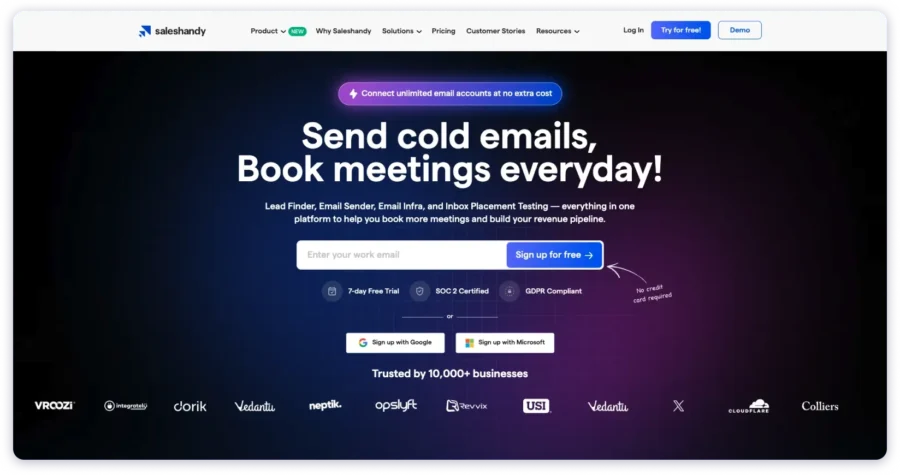
Woodpecker has better deliverability defaults and a simpler UX.
Choose Saleshandy for breadth. Choose Woodpecker for focused sending.
Woodpecker vs. Instantly
Instantly is the volume play. It’s built for high-volume cold email at scale with aggressive pricing per email.
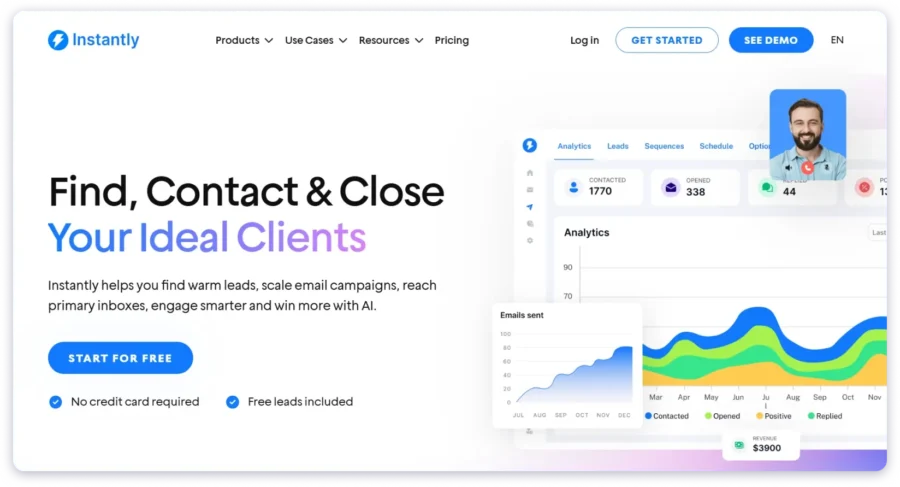
Woodpecker has better agency features and condition-based campaigns.
Instantly wins on cost-per-email for pure volume senders.
Check out these: 5 Best Instantly.ai Alternatives for Cold Emails 2026
Woodpecker vs. Lemlist
Lemlist offers deeper multichannel capability. LinkedIn, video prospecting, and landing pages are built in.
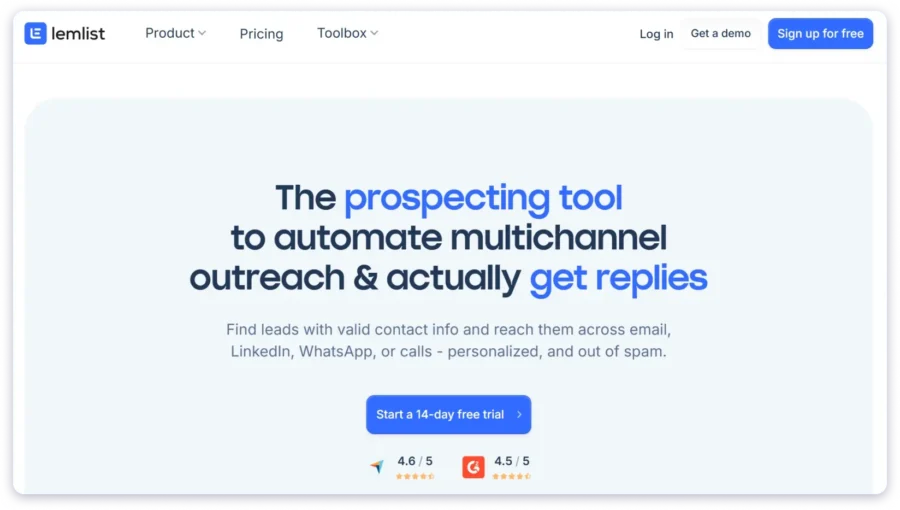
Woodpecker is simpler and cheaper at entry level. Lemlist wins on personalization.
Woodpecker wins on clean deliverability out of the box.
Check out these: Top 6 Lemlist Alternatives For Better Outreach in 2026
Quick Comparison Table
| Feature | Woodpecker | Saleshandy | Instantly | Lemlist |
| Starting Price | $24/mo | $25/mo | $30/mo | $32/mo |
| Pricing Model | Per prospect | Per account | Per account | Per user |
| Unlimited Accounts | Yes (all plans) | Yes | Yes | No |
| Multichannel | Add-on ($29/mo) | Built-in | Limited | Built-in |
| Best For | Focused cold email | All-in-one outbound | High-volume sending | Personalized multichannel |
Check out these: 5 Best Woodpecker Alternatives in 2026 (Tried & Tested)
FAQs About Woodpecker
1. Is Woodpecker worth it in 2026?
For focused cold email with good deliverability, yes. Especially at Starter and Growth tiers.
Value decreases if you need multichannel or deep integrations because add-on costs stack up.
2. How much does Woodpecker actually cost?
Base plans run $24 to $6,666/mo on annual billing. Most users pay more due to add-ons.
LinkedIn ($29/account), integrations ($20), and agency panel ($27/client) add up fast.
A realistic agency setup runs $300 to $500+/mo easily.
3. Is Woodpecker good for agencies?
The agency panel is well-designed for multi-client management. But at $27 per client per month plus the base plan, costs scale with your roster.
Best for small-to-mid agency client counts.
4. Does Woodpecker have a free plan?
No permanent free plan. A 7-day free trial includes 50 contacted prospects and 600 emails.
No credit card required. You can request a trial extension in-app.
5. Is Woodpecker’s warm-up reliable?
It’s powered by Mailivery (third-party) and included free.
Some users have reported that warm-up emails sent from your account don’t match your brand voice.
Check Mailivery’s sending behavior before enabling on client-facing domains.

 Yash Jain